Using Your Player 3-6
To manually set a preset channel
1. Press the Scroller.
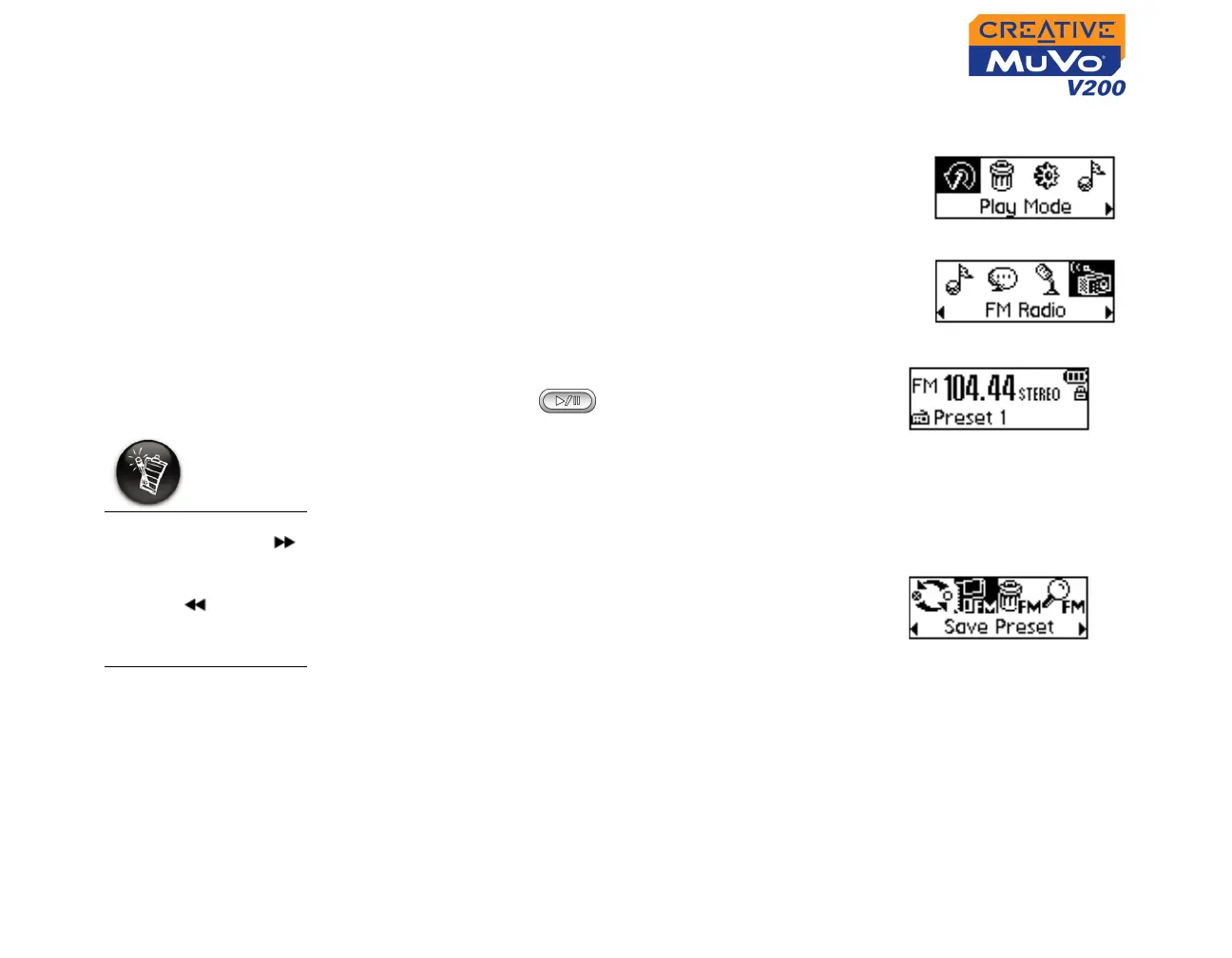
The Main Menu similar to Figure 3-13 appears.
2. Scroll Select the FM Radio icon (Figure 3-14).
A radio frequency appears on the LCD screen
(Figure 3-15).
3. If you see a preset channel, press the Play/
Pause button to switch to Manual Scan
view. The preset channel disappears.
4. To scan for a channel, turn the Scroller
towards the right or left, and hold for one
second.
5. Press the Scroller.
6. Scroll Select the Save Preset icon
(Figure 3-16).
7. Turn the Scroller to select the preset number
you want. Your channel is stored and appears
at the bottom-left corner of your screen.
8. Repeat steps 2 to 6 to store another channel.
Figure 3-13
Figure 3-14
Figure 3-15
Turn the Scroller
towards the right
to increase the
frequency or towards
the left to
decrease the
frequency.
Figure 3-16













 To Next Page