User Manual for Wrist Oximeter
-19-
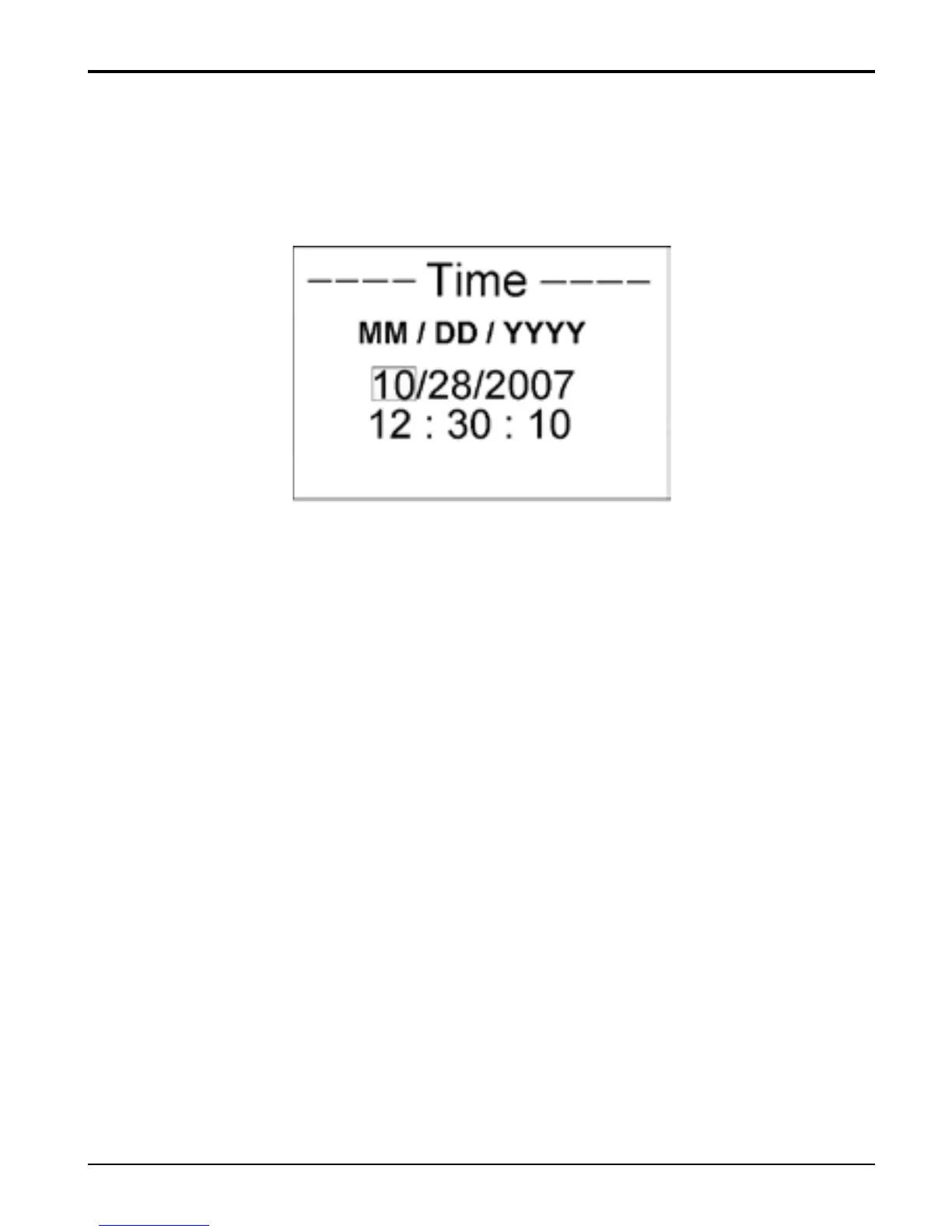
3.2.3 Time Settings
On menu screen, select “Time” and press “
■” key to enter
Time Settings screen, as shown in Figure 15.
Figure 15 Time Settings
Date format: MM/DD/YYYY;
Time format: hh:mm:ss;
Operation Instructions:
Short time press “
▲” key: shift cursor circularly;
Short time press “
■” key: active the option;
Short time press “
▲” key: increase numerical value
one time;
Longtime press “
▲” key: increase numerical value
continuously;
Short time press “
■” key: confirm the modification;
Longtime press “
■” key: back to the menu screen;



 To Next Page