Installing PC-CAM 350 1-4
LCD
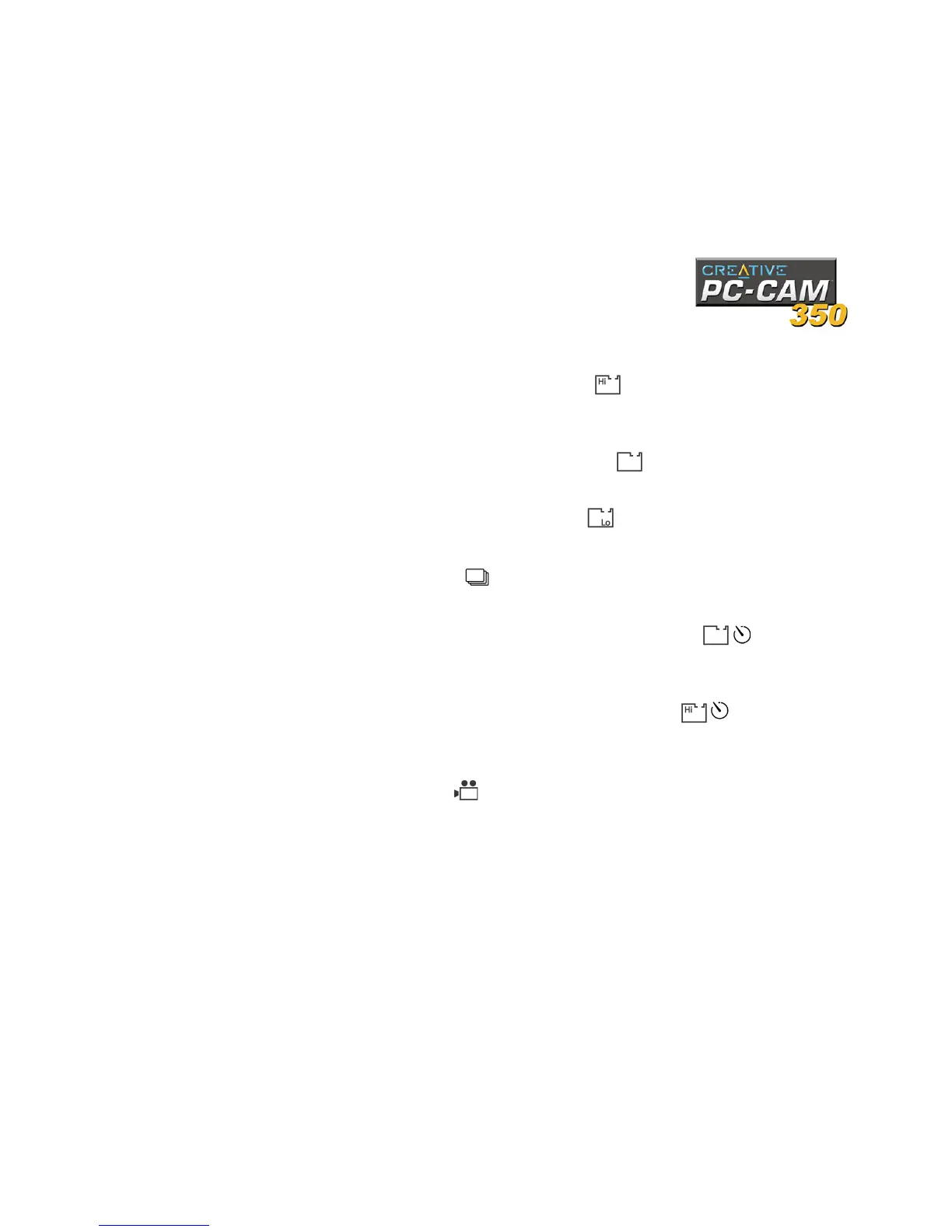
The following LCD icons and symbols are found on your PC-CAM 350:
❑ Single snapshot (high resolution)
This icon indicates that you are in Single snapshot (high resolution) mode. In
this mode, the camera captures images at 640 x 480 pixels with software
interpolation.
❑ Single snapshot (normal resolution)
This icon indicates that you are in Single snapshot (normal resolution) mode.
In this mode, the camera captures images at 352 x 288 pixels.
❑ Single snapshot (low resolution)
This icon indicates that you are in Single snapshot (low resolution) mode. In
this mode, the camera captures images at 176 x 144 pixels.
❑ Multiple snapshot
This icon indicates that you are in the Multiple snapshot mode. In this mode,
the camera captures five successive snapshots at 352 x 288 pixels.
❑ Self-timer single snapshot (normal resolution)
This icon indicates that you are in Self-timer single snapshot mode. In this
mode, the camera takes a normal resolution snapshot after a specified length
of time. Images are captured at 352 x 288 pixels.
❑ Self-timer single snapshot (high resolution)
This icon indicates that you are in Self-timer single snapshot mode (high
resolution). In this mode, the camera takes a low resolution snapshot after a
specified length of time. Images are captured at 640 x 480 pixels.
❑ Video Recording
This icon indicates that the camera is in Video Recording mode. In this mode,
the camera records videos without audio.



 To Next Page