Using PC-CAM 350 as a Web Camera 2-2
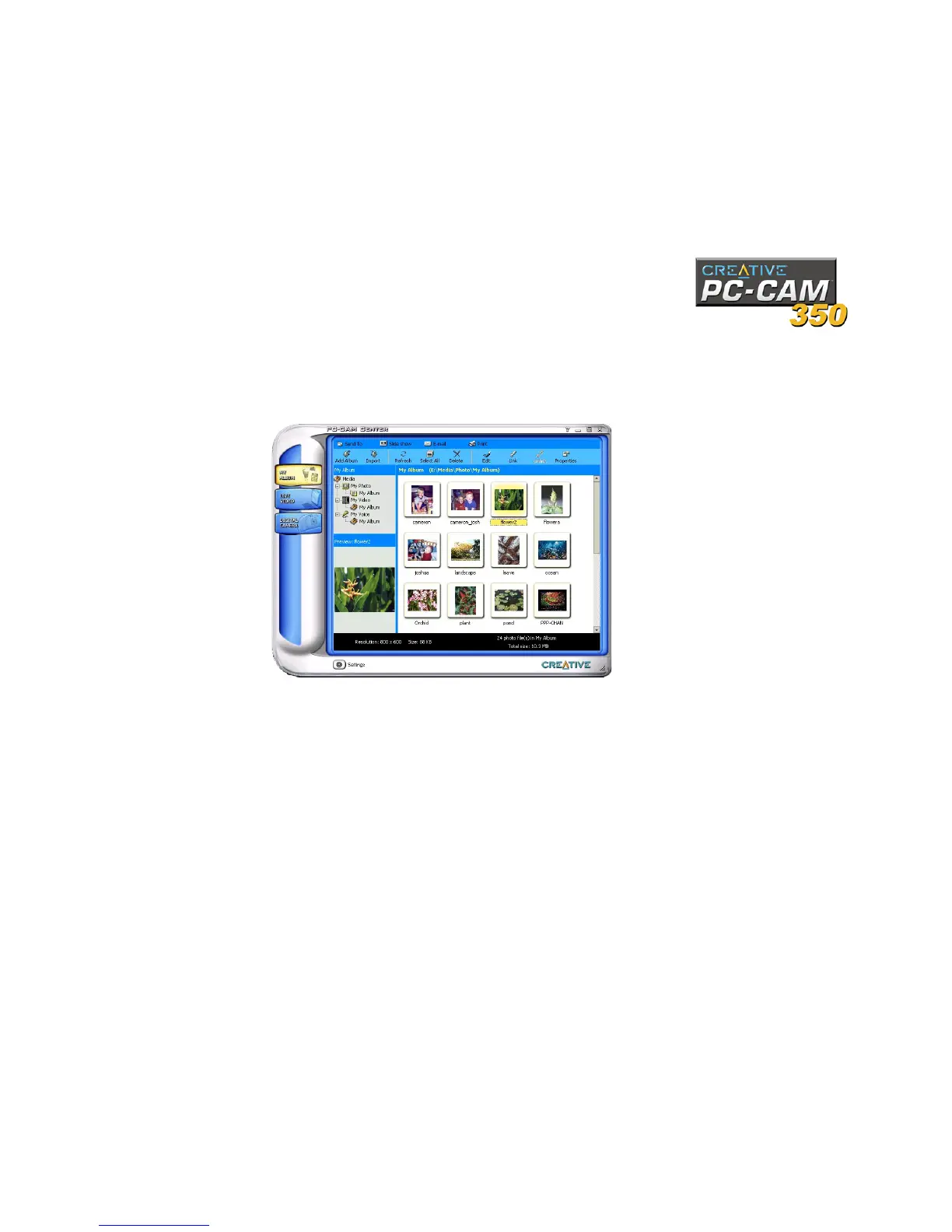
After PC-CAM Center is started, the PC-CAM Center screen similar to Figure 2-1
appears.The following sections describe the more commonly used operations. For
more details on how to use PC-CAM Center, see the section “Starting PC-CAM Center
Help” on page 2-5.
Capturing Images
and Videos
With PC-CAM Center, you can take photos and record videos in two modes — with
and without a preview. The preview mode is active by default.
For instructions on how to take a photo or record a video without a preview, refer to
the PC-CAM Center Help file. To launch PC-CAM Center Help, see “Starting PC-CAM
Center Help” on page 2-5.
Figure 2-1: PC-CAM Center screen.



 To Next Page