2-3 About Your Camera
About the Mode
button
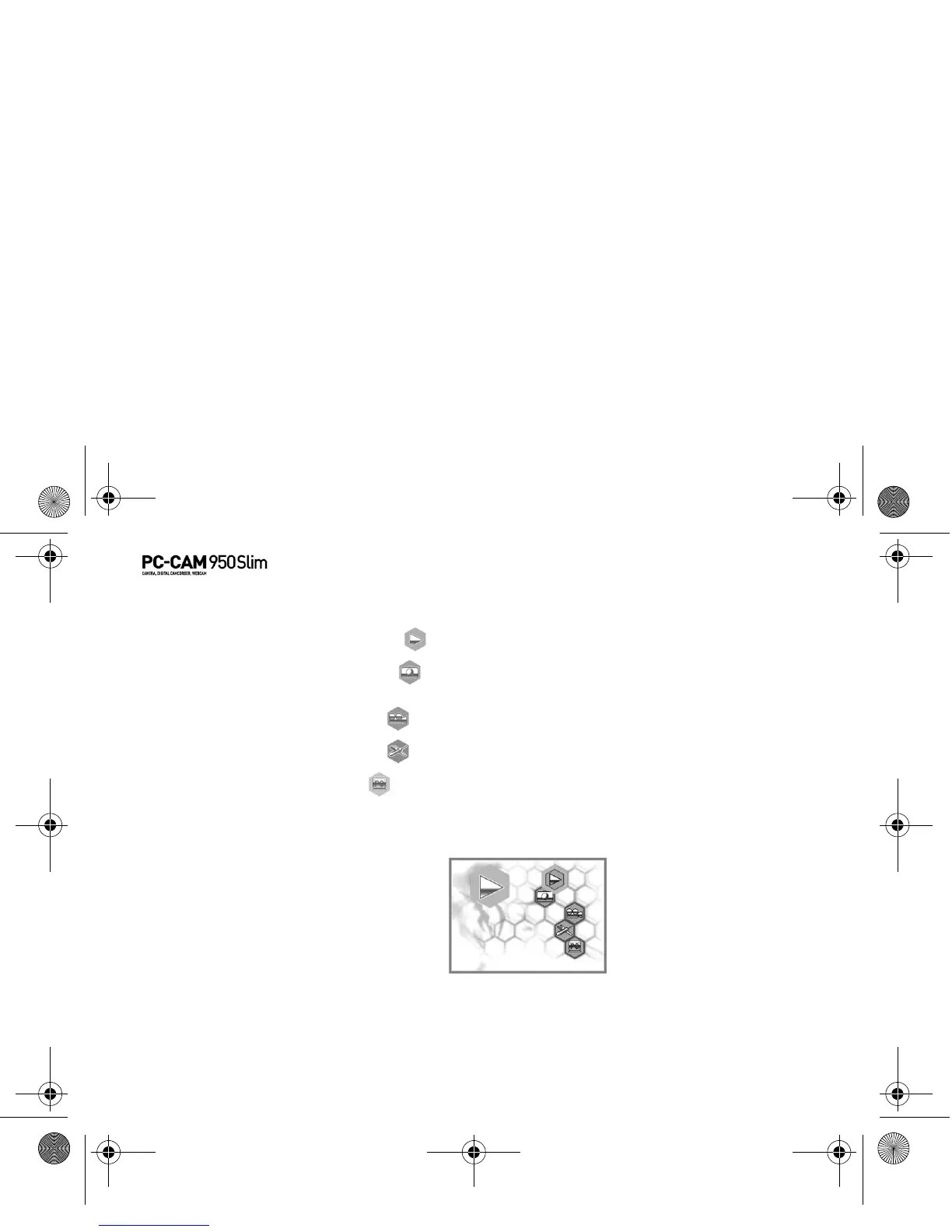
With your camera’s Mode button, you can access the following features:
• Playback mode — view photos and videos with audio streams
• Capture mode — take photos using the camera’s automatic exposure and
white balance settings
• Movie mode — record short videos
• Setup mode — adjust your camera settings
• PC mode — transfer photos and audio/video recordings, or use your
camera as a PC-CAM.
Selecting a Mode 1. Press and hold the Mode button.
The mode selection menu appears.
2. Use the Function buttons to select a mode.
3. Press the Flash/Set button.
PC-CAM 950 Slim.book Page 3 Tuesday, August 23, 2005 12:57 PM



 To Next Page