Installing Creative PC-CAM 950 Slim 5-2
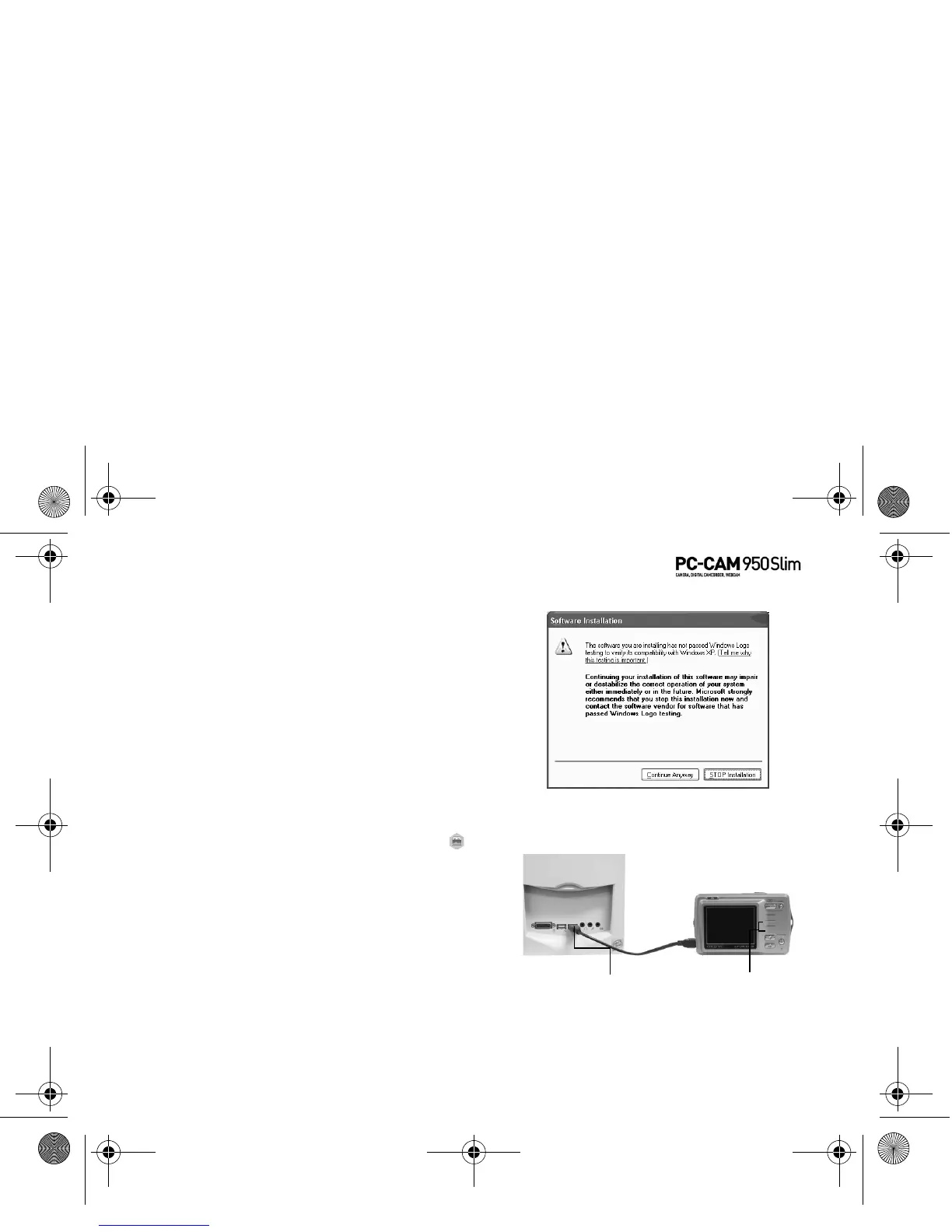
5. If a Software Installation
dialog box appears (Figure
5-1), click the Continue
Anyway button.
6. Press and hold the Mode
button.
The mode selection menu
appears.
Installing as a
PC-CAM
1. Use the Function buttons to
select the PC mode icon.
A PC Connect menu appears.
2. With a USB cable, connect your
camera to an available USB
port on your computer (Figure
5-2).
Follow the steps below that are for
your operating system.
Figure 5-1: Software Installation dialog box
Figure 5-2: Connecting your camera to your computer
USB connector
Function
buttons
PC-CAM 950 Slim.book Page 2 Tuesday, August 23, 2005 12:57 PM



 To Next Page