Installing Hardware 1-10
Positioning Your
Speakers
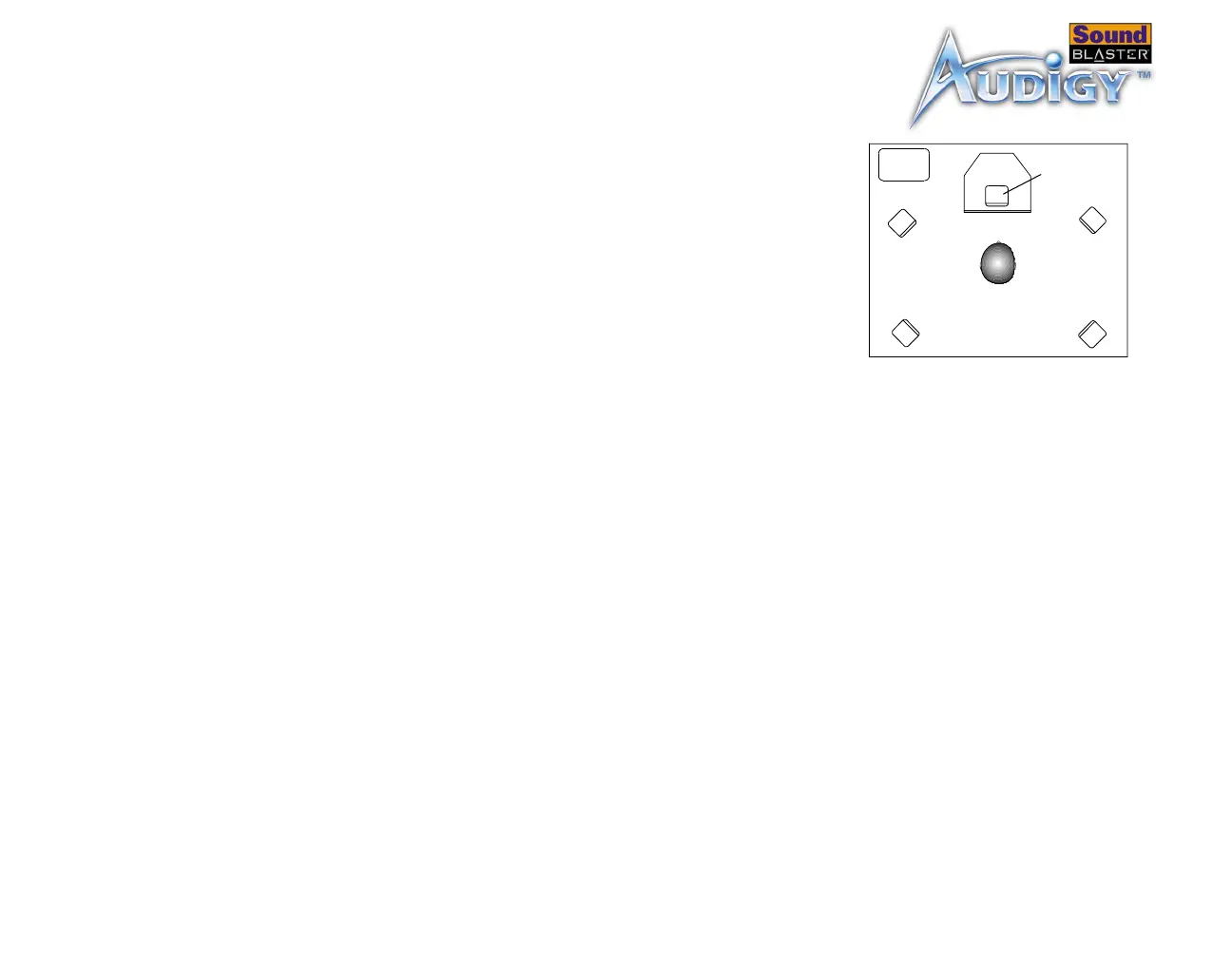
If you are using four speakers, place them so that
they form the corners of a square with you exactly
in the center (as in Figure 1-9) and that they are
angled toward you. Make sure that the computer
monitor is not blocking the path of your front
speakers. You may want to adjust the relative
positions of the speakers until you get the audio
experience you like best. If you have a subwoofer,
place the unit in a corner of the room for the best
bass experience.
Figure 1-9: Recommended speaker
positions.
Center
speaker
Front-left
speaker
Front-right
speaker
Rear-left
speaker
Rear-right
speaker
You
Sub-
woofer



 To Next Page