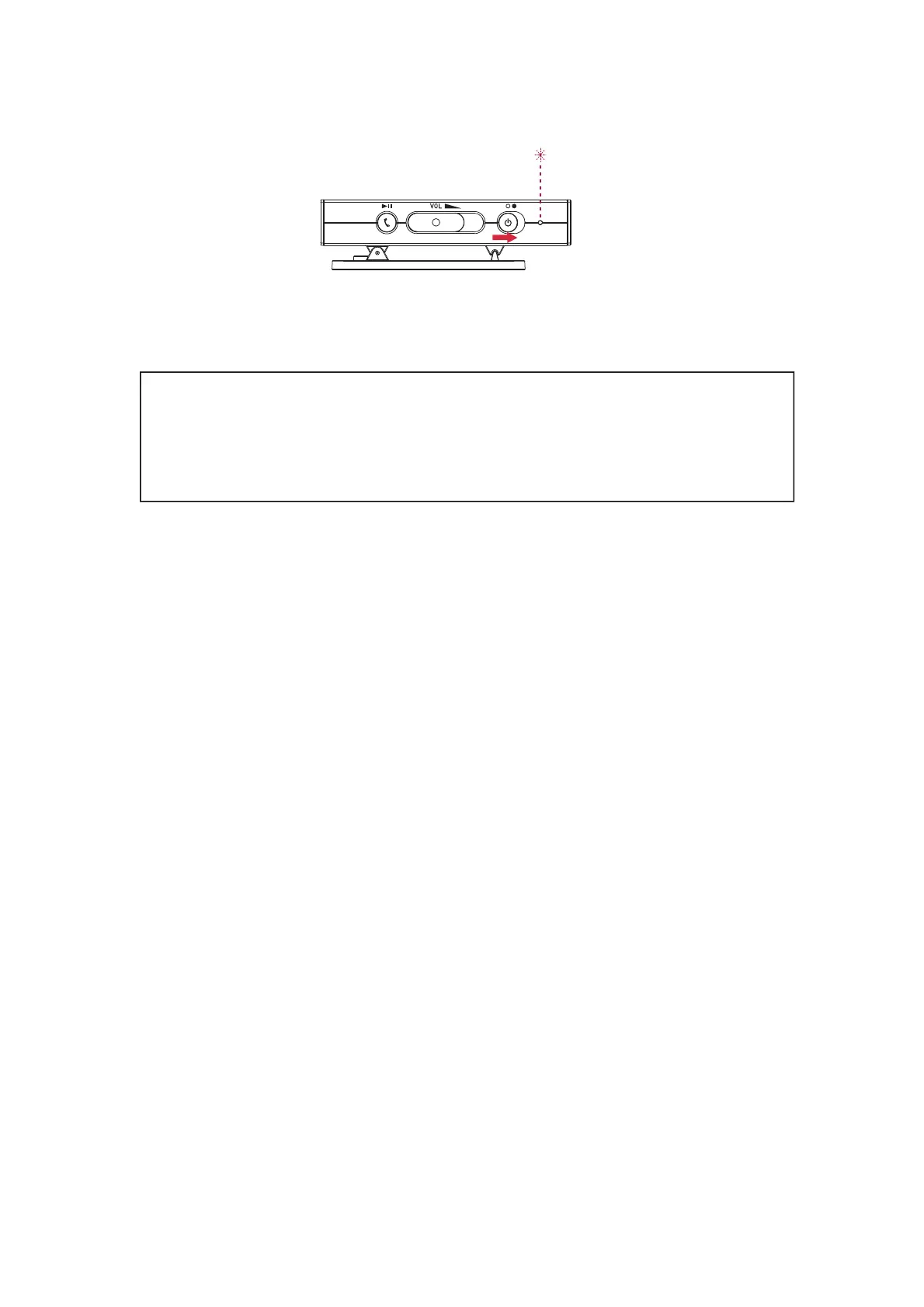
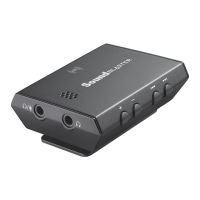
Step 2:Turning on your Sound Blaster E1
Step 3: Adjusting the volume
WARNING:
l Set the volume control at minimum level before connecting headphones or
speakers.
l Do not listen to audio at high volumes for prolonged periods of time to avoid
impairing your hearing.
Adjust the volume to a comfortable level using the volume control.
You can also adjust or mute the volume using:
l Your connected device
l Sound Blaster E-Series Control Panel
Note:
If you mute the volume on your connected device or in the software applications, you will not hear
any sound output even if the volume control is set to the maximum.
Sound Blaster E1 – Using Your Audio Device 10


 To Next Page