Configuring Your General Settings
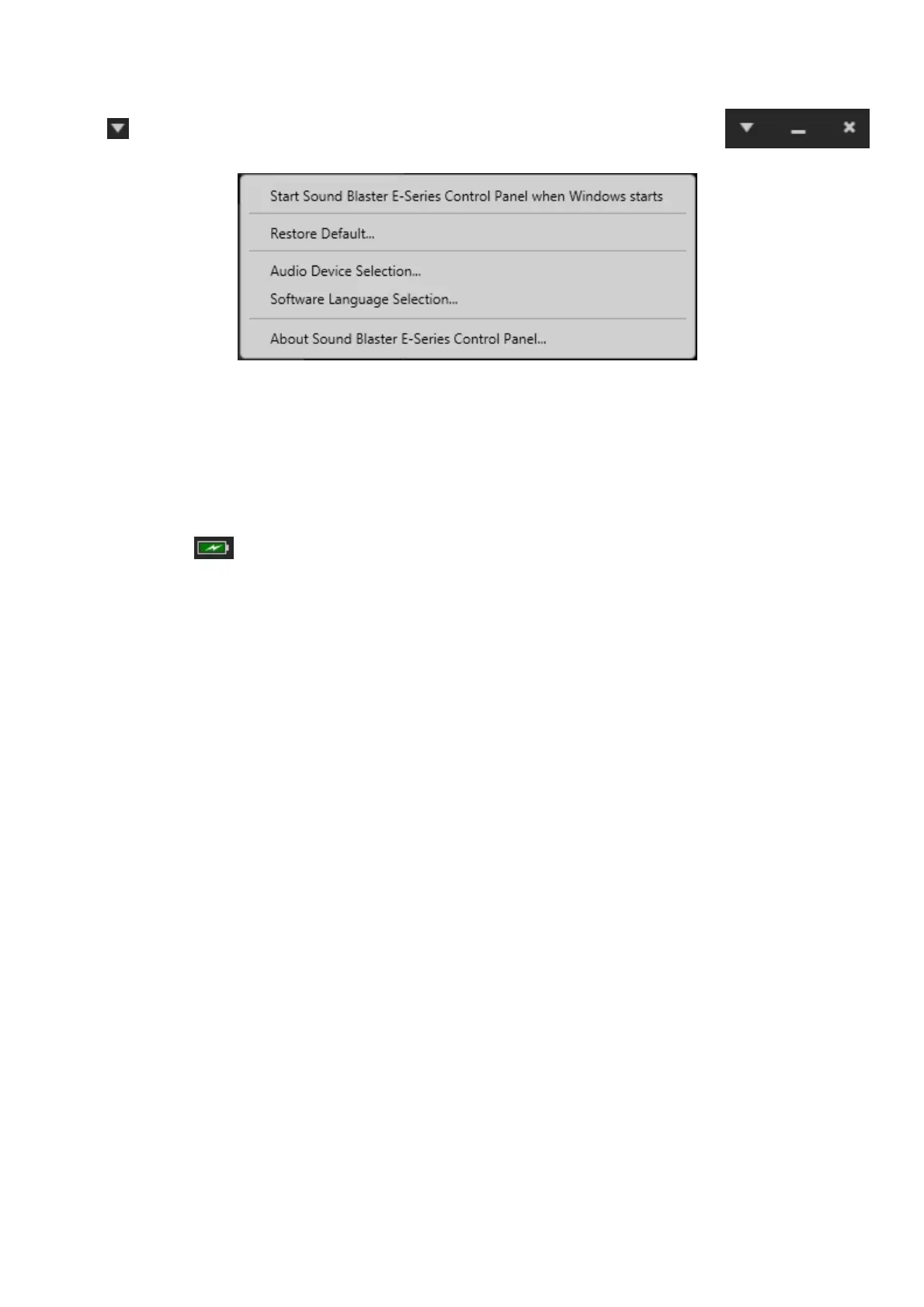
Click from the top right corner of the interface and select the option from the
list:
l Select whether the Sound Blaster E-Series Control Panel is activated when Windows starts.
l Restore default settings.
l Select the audio playback device.
l Select the supported software languages available for your system.
l General information regarding your Sound Blaster E-Series Control Panel software.
Battery
The battery icon indicates the battery status of the Sound Blaster E1.
Sound Blaster E1 – Using the Creative Software Suite 19


 To Next Page