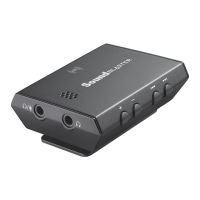
Jack /
Control
Description
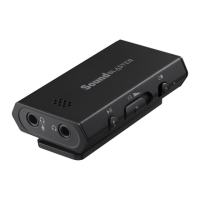
3 Volume control Adjusts the audio output volume.
4 Power button Slide to switch on/off.
5
Status LED
indicator
Indicates the battery status and condition of the
Sound Blaster E1.
White: Power ON / Battery full
Red: Battery low
White (blinking): Battery charging
Off: Power OFF
6
USB port
Connects to USB ports of PC / laptop for audio
output via a Micro-USB connector.
7
Line In
Connects to line-level sources (smartphones,
tablets, MP3 players).
8
Clip
Clips on to your clothing or bag for convenient
access.
9
Microphone
Receives voice input during calls.
10
Headphone / Mic
In jack
Connects to stereo headphones with a 3.50 mm
(1/8-inch) plug.
OR
Connects to the Front Left and Front Right inputs on
powered analog speakers with a 3.50 mm (1/8-
inch) plug.
OR
Connects to microphones with a 3.50 mm (1/8-
inch) plug.
Note:
An external microphone can only be used when the Sound Blaster E1 is connected to a computer via
USB connection.
Sound Blaster E1 – About Your Hardware 4


 To Next Page