Installing Sound Blaster 2-5
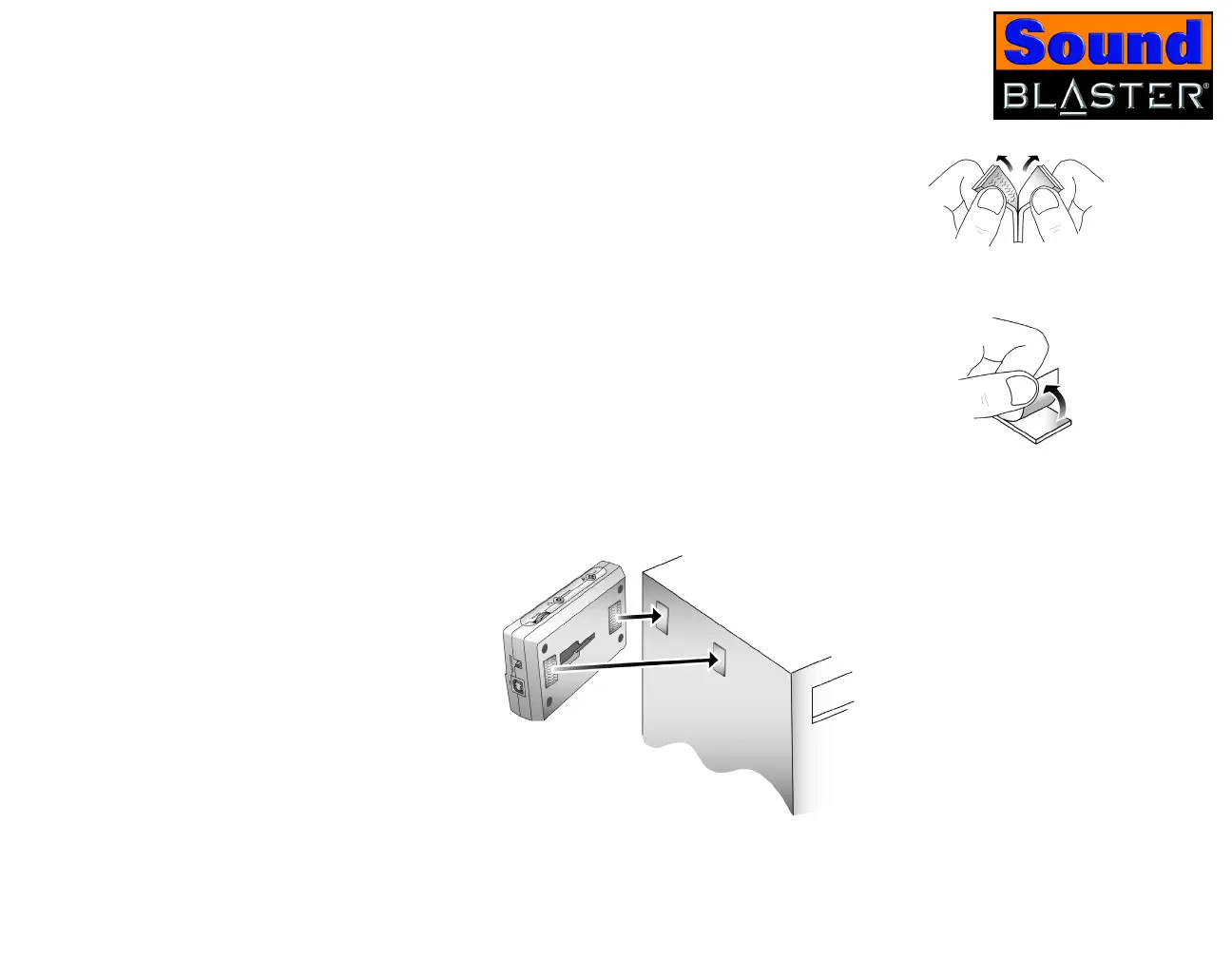
Using velcro strips 1. Pull apart the velcro strips provided, as shown in
Figure 2-4.
2. Peel the stickers off the velcro strips as shown in
Figure 2-5.
3. Attach Sound Blaster to your computer, as shown in Figure 2-6.
Figure 2-4: Pulling apart velcro
strips.
Figure 2-5: Peeling the stickers
off velcro strips.
Figure 2-6: Attaching Sound Blaster using velcro strips.














 To Next Page