Pro 200 Series Owner’s Manual
p.4
Installation
2
Unpacking
Upon unpacking, be sure to inspect the amplifier. If you find any damage, notify your
supplier immediately. Only the consignee may institute a claim with the carrier for
damage incurred during shipping. Be sure to save the carton and all packing materials.
Should you ever need to ship the unit,use only the original factory packing. If the ship-
ping carton is unavailable, contact Crest to obtain a replacement.
Mounting
Pro 200 Series amplifiers will mount in standard 19" racks. Rear mounting ears are
also provided for additional support, which is recommended in non-permanent instal-
lations like mobile or touring sound systems. Because of the cables and connectors
on the rear panel, a right-angle or offset screwdriver or hex key will make it easier to
fasten the rear mounting ears to the rails.
Front Width 19"/ 483mm
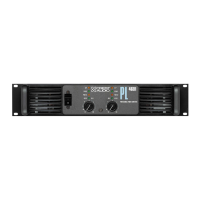
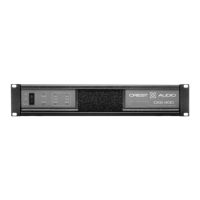
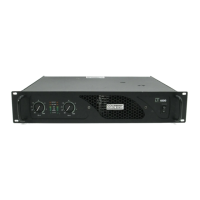
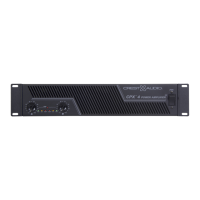
Front Panel (8200 shown - 7200 & 5200 have the same dimensions)
For replacement
packaging, call Crest
Audio’s Customer Service
Department directly.
see—service and support
+
Rear Panel
Side Panel
Rear Width 17"/ 432mm
Front
Height
3.47"/
89 mm
Front
Height
3.47"/
88mm
Depth13.75"/349 mm (including rear support ears)






 To Next Page