Product Manual — Doc. 8745H TSS-70 Series • 63
Access the Device Setup Screens
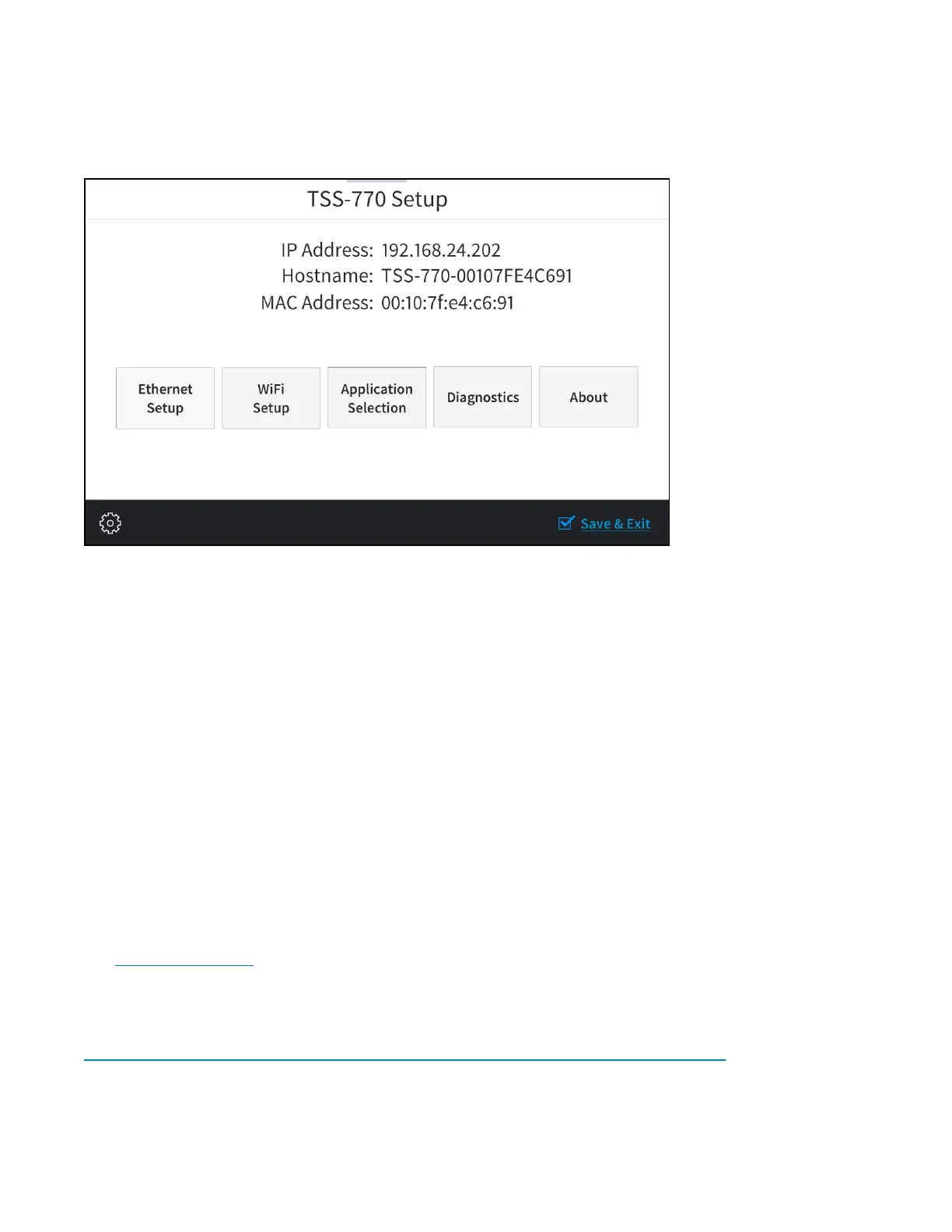
To access the built-in setup screens, place five fingers on the display and hold for 15 seconds. The main
Setup screen is displayed (TSS-770 shown).
Use the setup screens to configure various settings for the touch screen, including Ethernet setup,
scheduling application selection, Wi-Fi network setup, and diagnostics.
Access the Web Configuration Interface
The touch screen provides a web configuration interface that is used to view and configure various
touch screen settings and to select a scheduling application. The interface can be accessed using the
touch screen IP address or the XiO Cloud® service.
Touch Screen IPAddress
To access the web configuration interface using the touch screen IP address:
1. Ensure that the touch screen is connected to the network.
2. Use the Device Discovery tool in Crestron Toolbox™ software to discover the touch screen and its
IP address on the network.
3. Enter the touch screen IPaddress into a web browser.
XiOCloud Service
The XiOCloud®service allows supported devices across an enterprise to be managed and configured
from one central and secure location in the cloud. Supported Crestron® devices are configured to
connect to the service out of the box.
Use of the service requires a registered XiOCloud account. To register for an XiOCloud account, refer to
www.crestron.com/Support/Tools/Licensing-Registration/XiO-Account-Registration.


 To Next Page