70 • TSS-70 Series Product Manual — Doc. 8745H
Configuration
Prior to configuration, ensure the device is running the latest firmware. To update the firmware, refer to
Update Firmware on page 99.
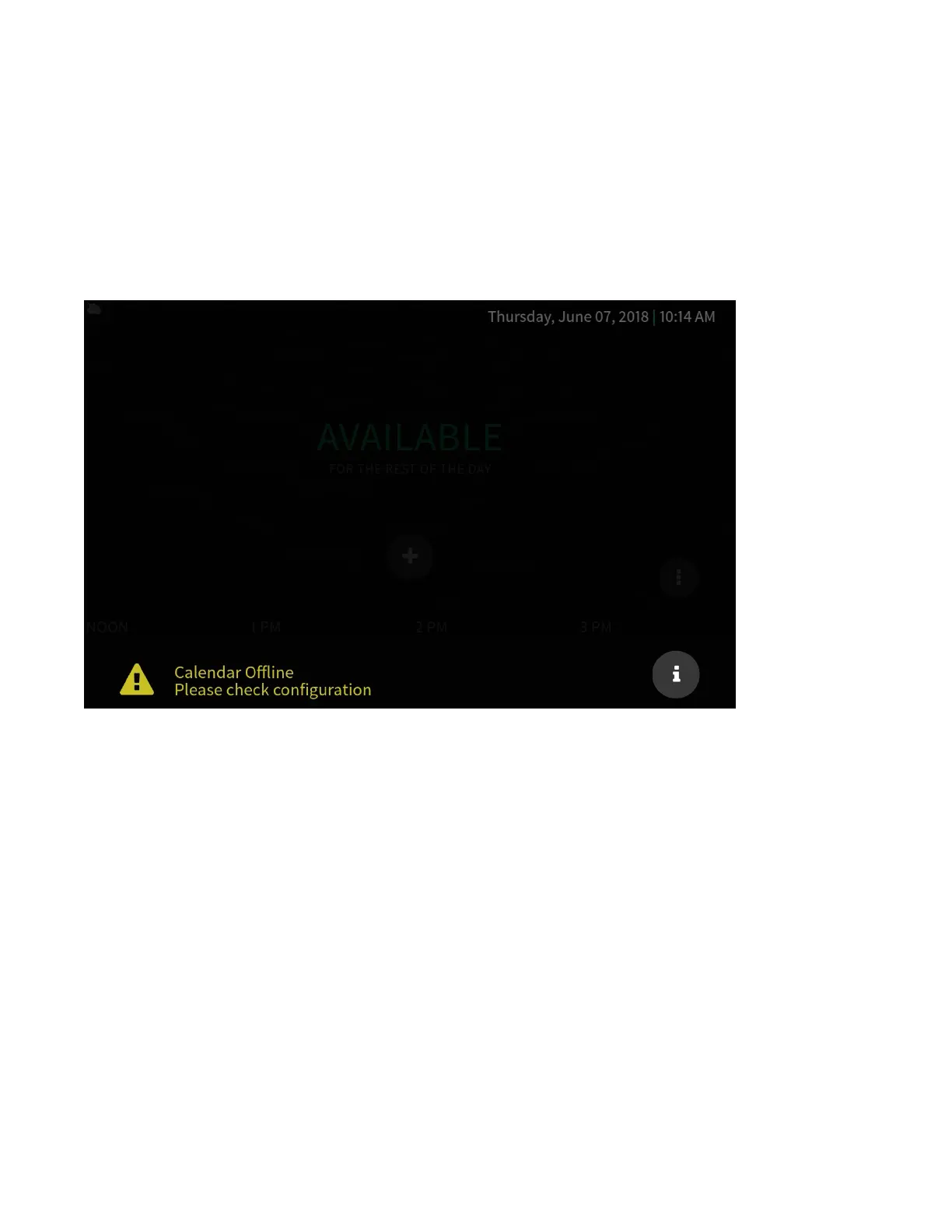
When power is applied for the first time, the touch screen boots with the Crestron room scheduling
application selected by default. The touch screen may take up to two minutes to boot.



 To Next Page