Product Manual — Doc. 8745H TSS-70 Series • 71
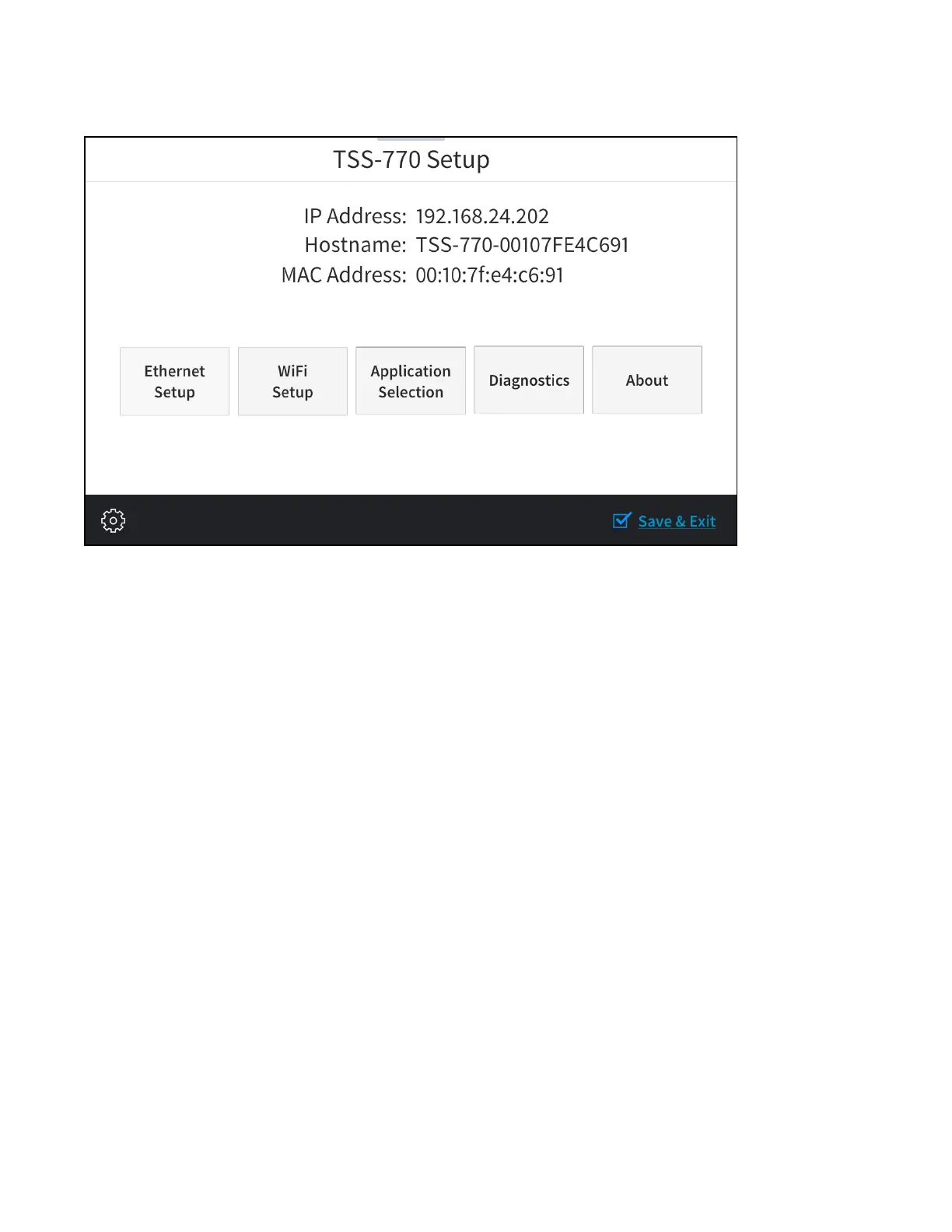
Place five fingers on the display and hold for 20 seconds to display the main Setup screen (TSS-770
shown).
Device settings for the touch screen may be configured using the built-in setup screens or the web
configuration interface.
l
To configure the device using the built-in setup screens, refer to Local Configuration on page 72.
l
To configure the device using the web configuration interface, refer to Web Configuration on
page 97.



 To Next Page