68 • TSS-70 Series Product Manual — Doc. 8745H
Configure the Zoom Rooms Application
The TSS-770-Z-LBand TSS-1070-Z-LB kits ship with a USBdrive that boots the included touch screen
directly into Zoom Rooms scheduling mode. The application must be configured prior to use.
NOTE:A Zoom Rooms account is required for configuration. Refer to your ITadministrator for
assistance.
To configure the Zoom Rooms application on the touch screen:
1. Insert the included USBdrive into the touch screen USBport while the touch screen is powered
off. Refer to Connect the Touch Screen on page 60 to locate the USBport.
NOTE:If the USBdrive is not inserted into the touch screen before power is applied, the touch
screen will boot its default mode (Crestron Room scheduling) instead.
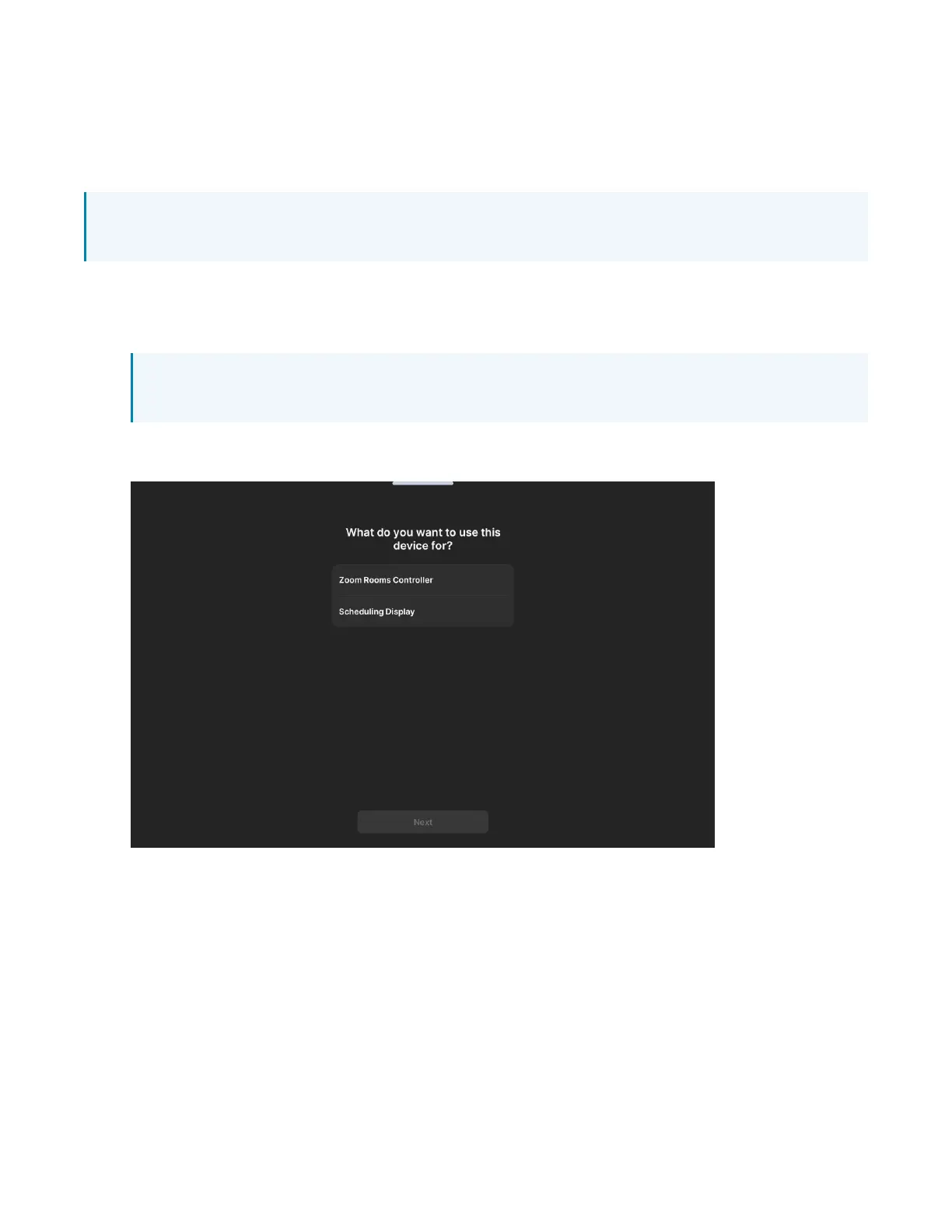
2. Apply power to the touch screen. The Zoom Rooms application user interface is displayed on the
touch screen following the boot.



 To Next Page