Product Manual — Doc. 8745H TSS-70 Series • 67
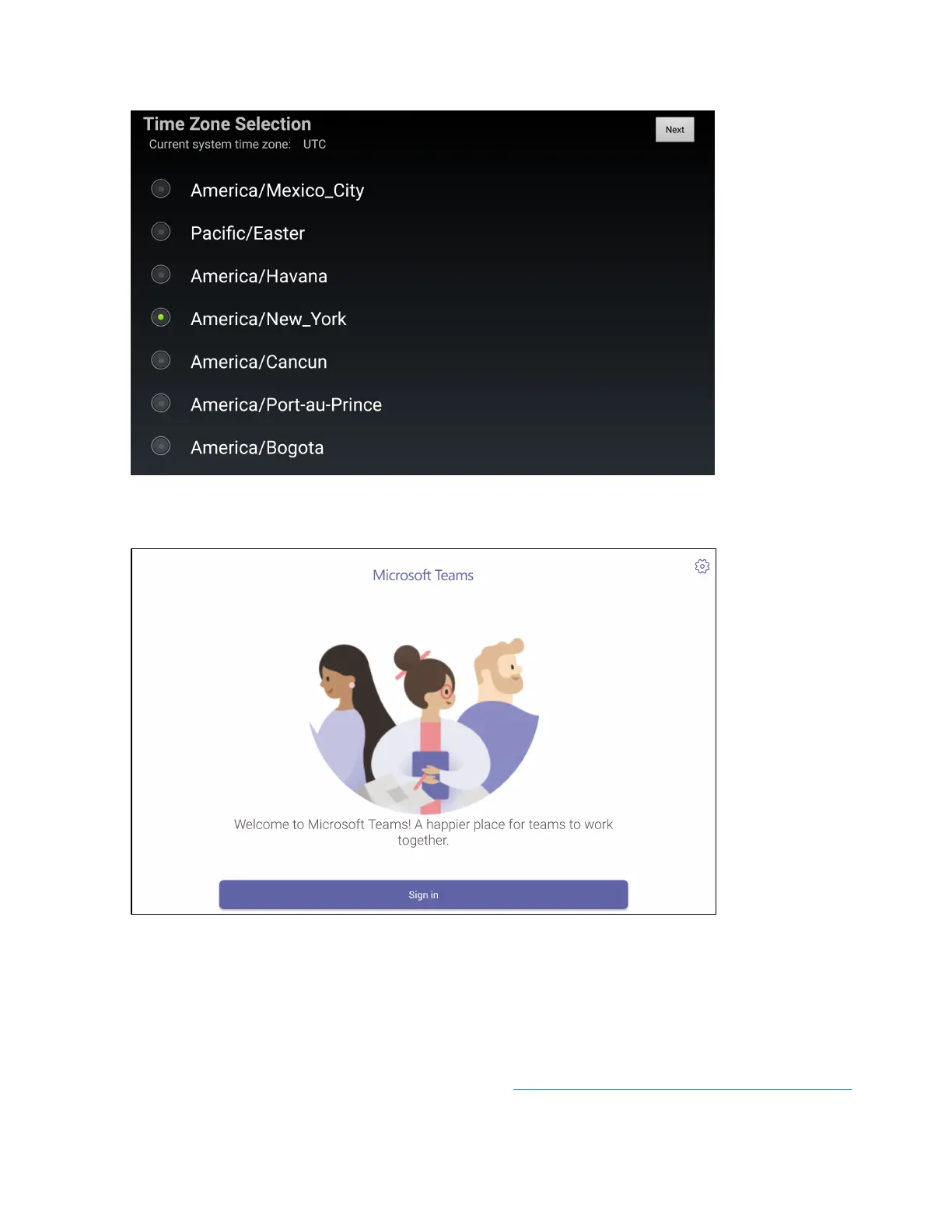
2. Tap Next. The Time Zone Selection screen is displayed.
3. Select the time zone that will be used by the application on the Time Zone Selection screen.
4. Tap Next. AMicrosoft Teams sign in screen is displayed.
5. Tap Sign In.
6. Enter your Microsoft Teams username and password when prompted.
7. If two-factor authentication is enabled by your organization, follow the prompts provided to
authenticate with the application.
Upon successful sign in, the scheduling calendar for your organization is displayed.
For more information on using Microsoft Teams, refer to https://support.microsoft.com/en-us/teams.



 To Next Page