92 • TSS-70 Series Product Manual — Doc. 8745H
Use the Diagnostics & Advanced screen to access various diagnostic test screens for the touch screen.
The Diagnostics & Advanced screen also provides the touch screen CPU temperature and available
memory.
Each test screen is described in the sections that follow.
Test Patterns
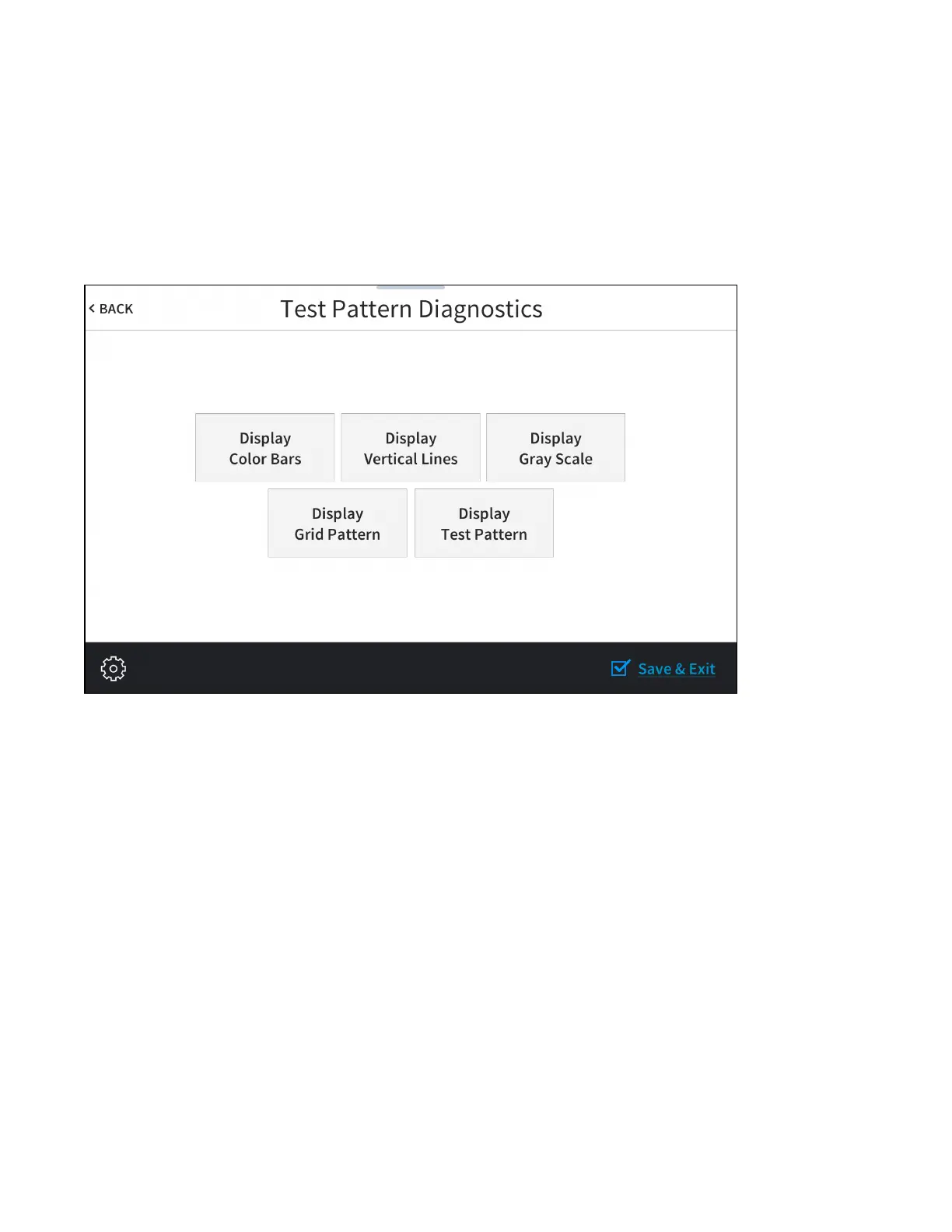
Tap Test Patterns on the Diagnostics & Advanced screen to display the Test Pattern Diagnostics screen.
Test Pattern DiagnosticsScreen
Use the Test Pattern Diagnostics screen to display any of the available test patterns. Tap one of the
buttons on the screen to display its respective test pattern.
Tap < BACK to return to the Diagnostics & Advanced screen.



 To Next Page