Crestron CEN-HPRFGW High Powered RF Gateway
Problem Solving
Troubleshooting
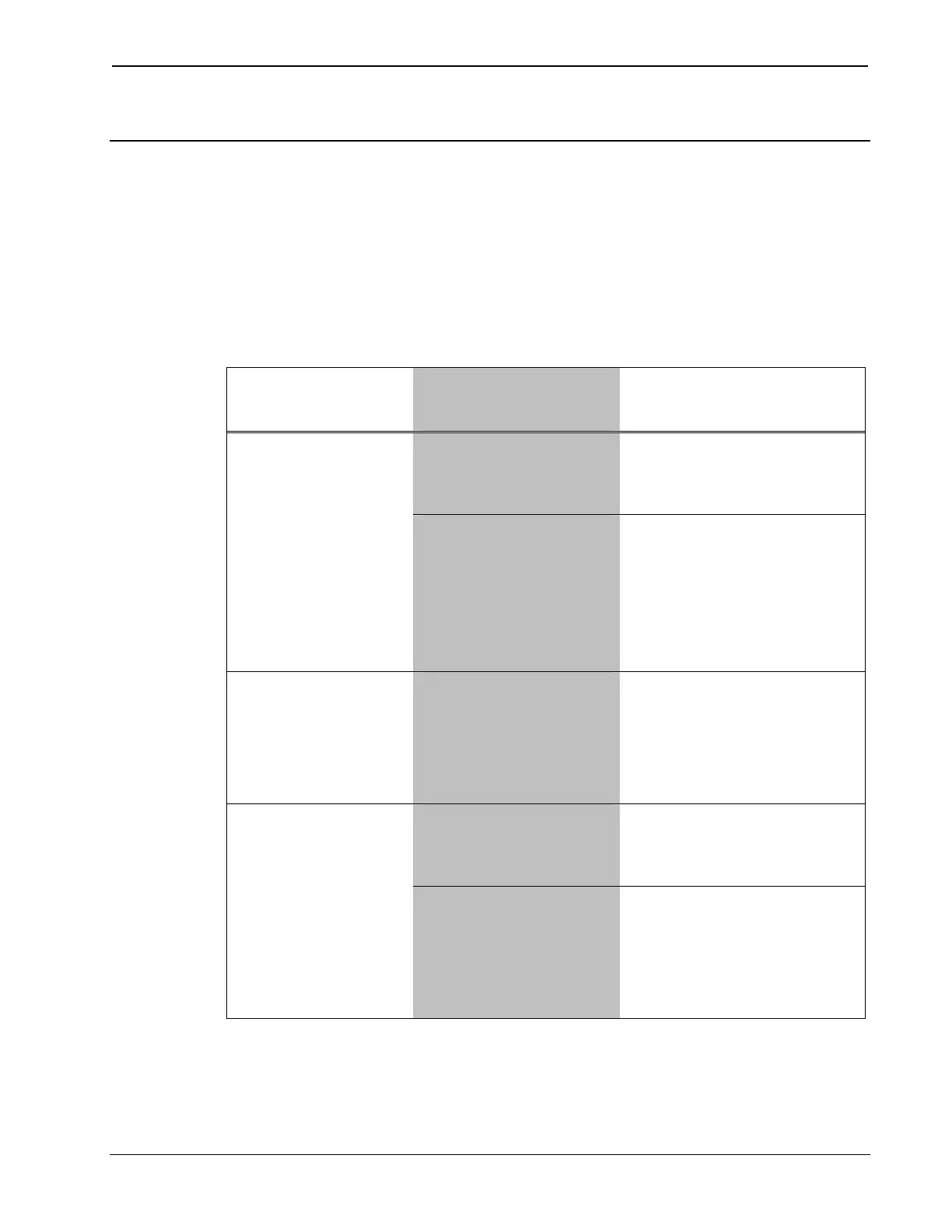
The following table provides corrective action for possible trouble
situations. If further assistance is required, please contact a Crestron
customer service representative.
CEN-HPRFGW Troubleshooting
TROUBLE POSSIBLE
CAUSE(S)
CORRECTIVE
ACTION
Incorrect power
supply.
Use a Crestron power
supply with sufficient
power for the network.
PWR LED does
not illuminate.
CEN-HPRFGW is
not receiving
sufficient power.
Use the Crestron
Power Calculator to
help calculate how
much power is
needed for the
system.
NET LED does
not illuminate.
CEN-HPRFGW
Net ID is not set to
match the Net ID
of the SIMPL
program.
In Crestron Toolbox,
check Functions |
CresnetID to verify
Net ID. Verify SIMPL
Windows program ID.
CEN-HPRFGW is
not communicating
with network.
Check network cabling
for solid connections
and correct pinouts.
NET LED is on
but unit does
not
communicate
with touchpanel.
CEN-HPRFGW
Net ID is not
unique; two or
more units share
the same Net ID.
Verify the Net IDs for
all CEN-HPRFGWs
are unique when
multiple units are
used.
(Continued on following page)
Operations & Installation Guide – DOC. 6587B High Powered Gateway: CEN-HPRFGW • 25



 To Next Page
 Loading...





