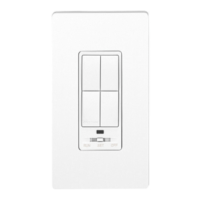
Crestron CLW-DIM1/4RF, -DIMS1/4RF, -SLVD1RF infiNET™ Dimmers
4. In the SMW Program Tree, right-click on the top level of the tree and
select Link with Network Control.
Link with Network Control
A window will be displayed with instructions for linking the SMW
Program Tree to the Network Device Tree.
Link Instruction Window
5. Click OK. The cursor will change to a target selector (
).
6. Click on the Network Device tree that is to be linked to the SMW
Program Tree, A message will be displayed indicating a successful
link.
Link Succeeded Message
7. Right-click the Lighting category in the SMW Device Tree and select
Setup All Lighting….
“Setup All Lighting…”
Operations Guide - DOC. 6396 infiNET Dimmers: Crestron CLW-DIM1/4RF, -DIMS1/4RF, -SLVD1RF • 15


 To Next Page
