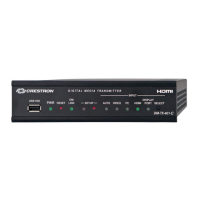
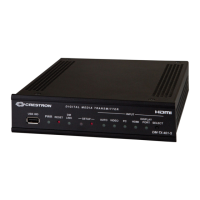
DigitalMedia™ CAT Transmitter 200 Crestron DM-TX-200
Installation
To prevent overheating, do not operate this product in an area that exceeds the
environmental range listed in the table of specifications.
The following tools and accessories are required for mounting a DM-TX-200 to a
surface:
• Phillips screwdriver (not supplied)
• Metal mounting plate (included)
• Two #04-40 x 3/16” pan head Phillips screws (included)
Use the following procedure to mount the DM-TX-200 to a surface:
1. Attach the included metal mounting plate (2023867) to the rear of the unit
using the two included #04-40 x 3/16” Phillips screws 2007145), as shown
in the following illustration.
Attaching the Mounting Plate to the DM-TX-200
Mounting Plate
(2023867)
Screws (2) #04-40 x 3/16"
(2007145)
2. Attach the DM-TX-200 to the selected surface using four screws (not
supplied) through the holes in the mounting plate.
14 • DigitalMedia™ CAT Transmitter 200: DM-TX-200 Operations & Installation Guide – DOC. 6741C



 To Next Page
 Loading...