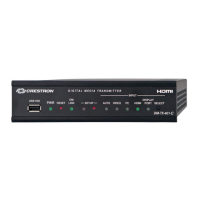
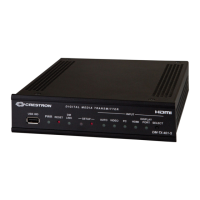
DigitalMedia™ CAT Transmitter 200 Crestron DM-TX-200
Applications
The following diagram shows a DM-TX-200 in a basic application.
DM-TX-200 in a Basic Application
No LAN connection is required for the DM-TX-200 to transmit HDMI or USB in a
point-to-point configuration. If you wish to use the control ports (IS, RS-232, Relay,
Sense) from a control system, you can connect either LAN port (on the
DM-RMC-100 or on the DM-TX-200) to the control system’s network. Both devices
will be connected because Ethernet is embedded inside DM. You may also use the
other LAN connection to provide Ethernet connectivity to a remote device.
You only have to apply power to one (either the DM-RMC-100 or the DM-TX-200)
and the other will receive it through the DMNet cable.
4 • DigitalMedia™ CAT Transmitter 200: DM-TX-200 Operations & Installation Guide – DOC. 6741C



 To Next Page
 Loading...