Crestron FT-TS600 FlipTop Touch Screen
Operations & Installation Guide – DOC. 7585B FlipTop Touch Screen: FT-TS600 • 13
During regular operation of the touch screen, there are two ways to activate the setup
functions:
1. Place a button on the project main page and assign the reserved join number
(17242) that activates setup.
2. Press hard keys 1, 2, 3 and 4, to the right of the touch screen display, in
sequence twice (i.e., press 1, 2, 3, 4, 1, 2, 3, 4) within a 5 second period.
Button Numbering
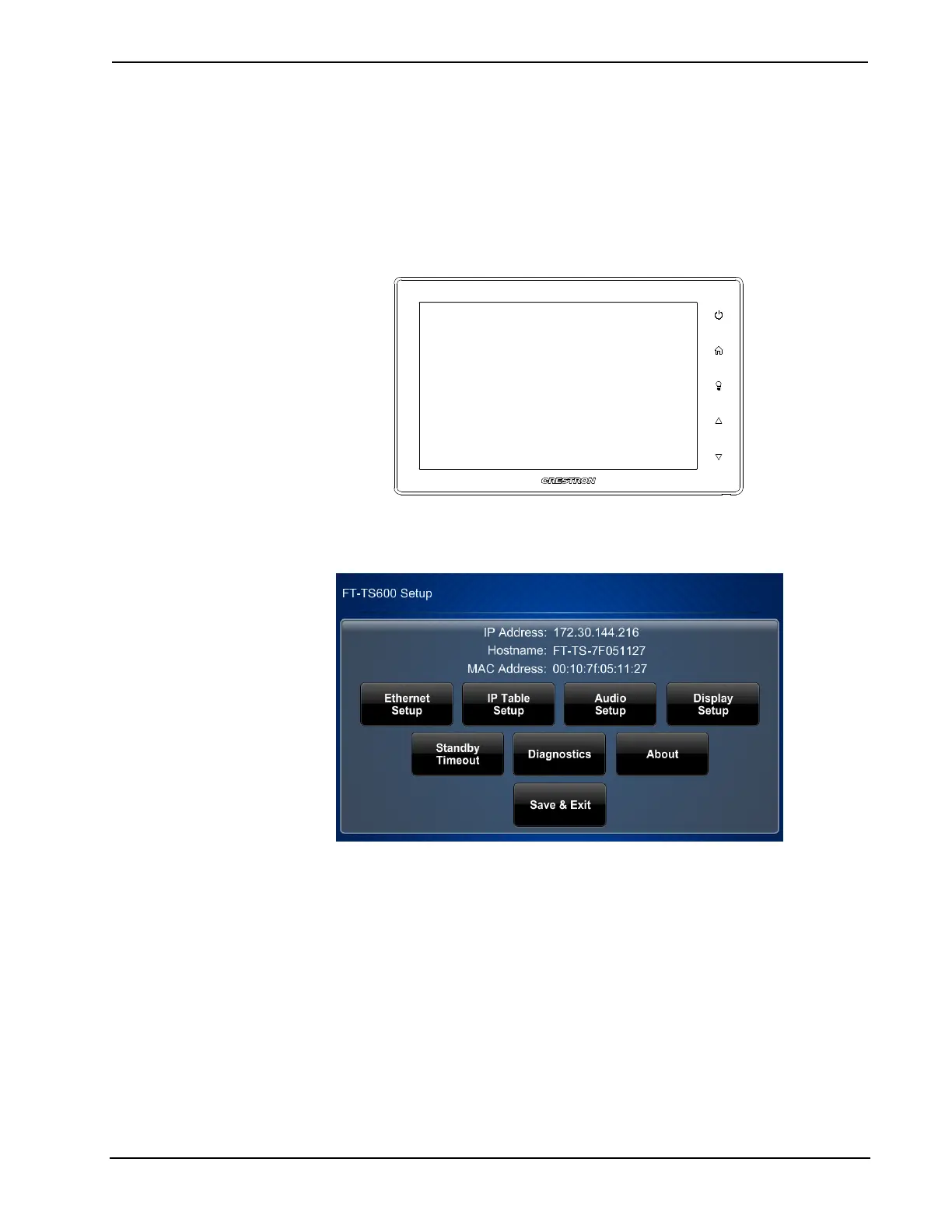
The “Setup” menu is displayed.
“Setup” Menu
The “Setup” menu is comprised of buttons for Ethernet Setup, IP Table Setup,
Audio Setup, Display Setup, Standby Timeout and Diagnostics. In addition, there
is an About button that provides information about the touch screen and a Save &
Exit button. The functions of each are detailed in the following pages of this guide.











 To Next Page