Crestron FT-TS600 FlipTop Touch Screen
Operations & Installation Guide – DOC. 7585B FlipTop Touch Screen: FT-TS600 • 21
LAN Test
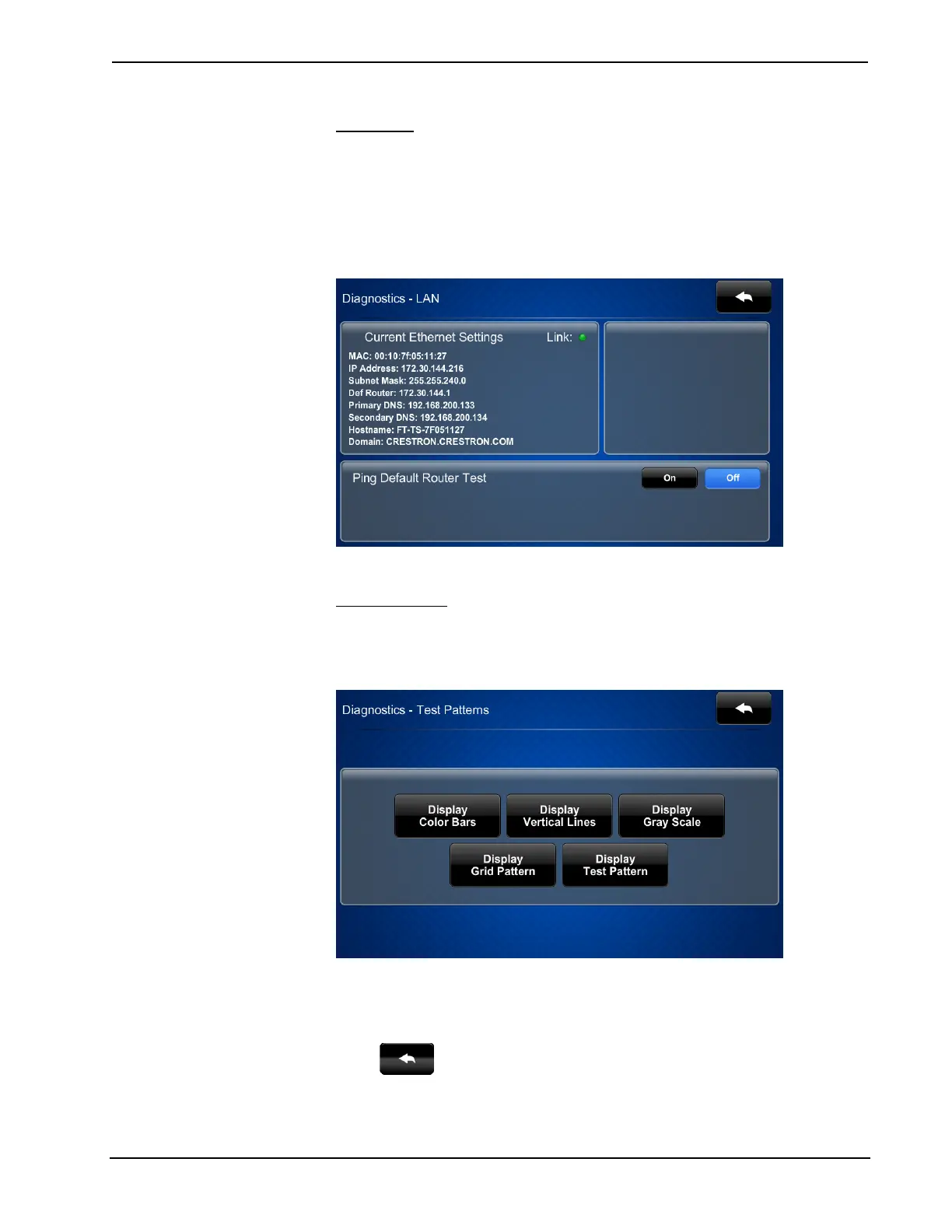
On the “Diagnostics” menu, touch LAN Test to display the “Diagnostics – LAN”
screen.
The “Diagnostics – LAN” screen displays current Ethernet settings and contains a
Link indicator to show the status of the Ethernet connection. A Ping Default Router
Test control is also provided.
“Diagnostics – LAN” Screen
Test Patterns
On the “Diagnostics” menu, touch Test Patterns to display the “Diagnostics - Test
Patterns” screen.
“Diagnostics - Test Patterns” Screen
The “Diagnostics - Test Patterns” screen contains buttons for selecting the different
available test patterns: Display Color Bars, Display Vertical Lines, Display Gray
Scale, Display Grid Pattern and Display Test Pattern.
Touch
to return to the “Diagnostics” menu.











 To Next Page