Crestron FT-TS600 FlipTop Touch Screen
Operations & Installation Guide – DOC. 7585B FlipTop Touch Screen: FT-TS600 • 19
Touch to return to the “Setup” menu.
Diagnostics
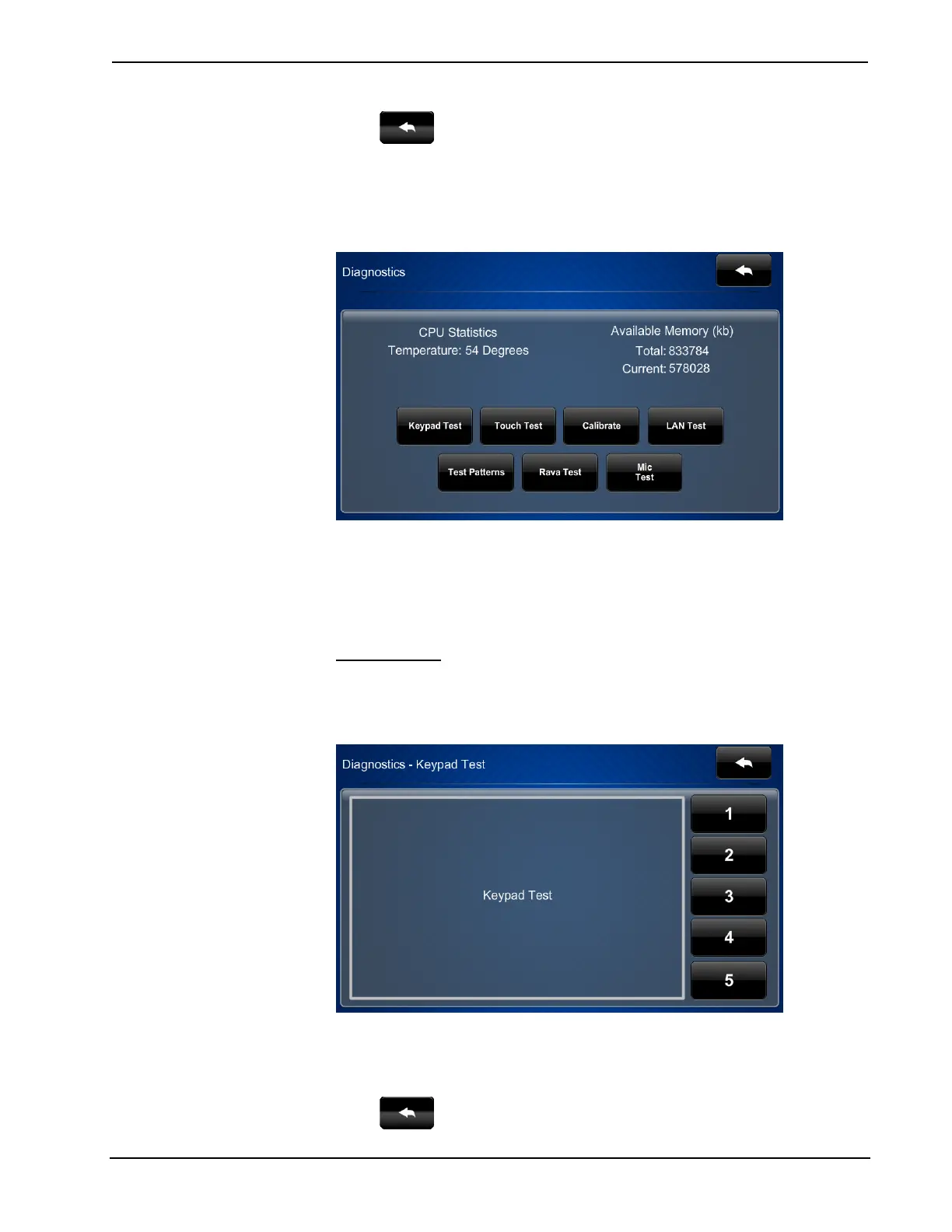
On the “Setup” menu, touch Diagnostics to display the “Diagnostics” menu.
“Diagnostics” Menu
The “Diagnostics” menu displays the CPU temperature, Available Memory and
contains controls to run a Keypad Test, Touch Test, LAN Test, Rava Test, and
Mic Test. In addition there are controls to initiate touch screen calibration and to
open various test screens. These are explained in the paragraphs that follow.
Keypad Test
On the “Diagnostics” menu, touch Keypad Test to display the “Diagnostics –
Keypad Test” screen.
“Diagnostics – Keypad Test” Screen
The “Diagnostics - Keypad” screen can be used to test the function of the hard key
push buttons on the right side of the screen. When a button is pressed, its
corresponding indication on the screen lights.
Touch
to return to the “Diagnostics” menu.











 To Next Page