Crestron FT-TS600 FlipTop Touch Screen
Operations & Installation Guide – DOC. 7585B FlipTop Touch Screen: FT-TS600 • 23
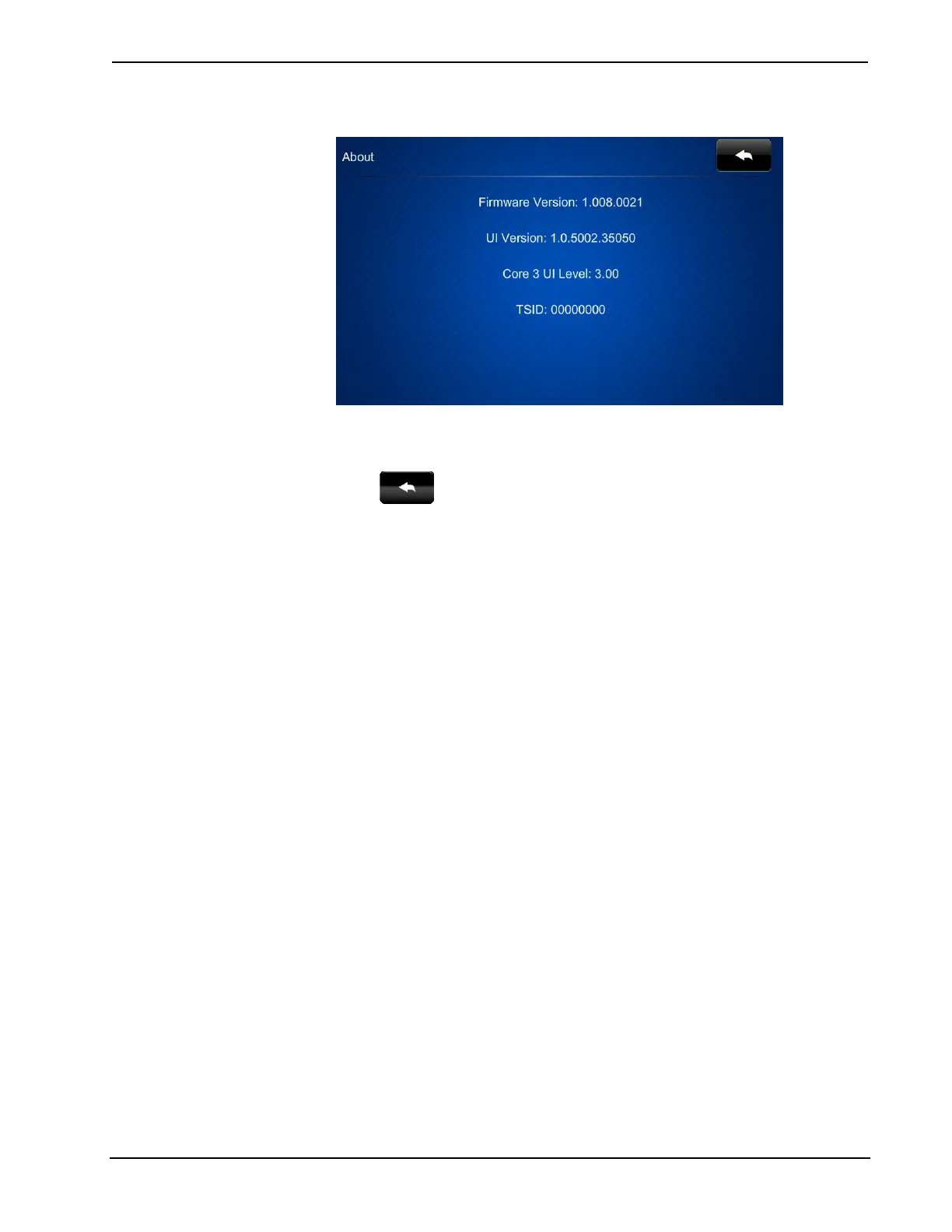
“About” Screen
The “About” screen displays information about the touch screen, including the
currently loaded firmware and operating system versions.
Touch
to return to the “Setup” menu.
Save & Exit
On the “Setup” menu, touch Save & Exit to save all settings, exit the setup screens
and return to the main project.











 To Next Page