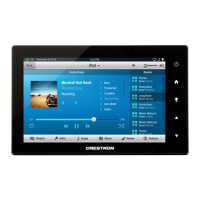
5”/7”10.1” Touch Screens Crestron TSW-552/752/1052
8
5”/7”/10.1” Touch Screens: TSW-552/752/1052 Configuration Guide – DOC. 7578A
The “Display Setup” screen provides controls for LCD (Screen) Brightness and On
and Off controls for Hard Key Wakes LCD.
Touch
to return to the “TSW-x52 Setup” menu.
Standby Timeout
On the “TSW-x52 Setup” menu, touch Standby Timeout to display the “Standby
Timeout” menu.
“Standby Timeout” Menu
The “Standby Timeout” menu provides controls to adjust standby timeout from 0 to
120 minutes.
Touch Screen Saver Options to display the “Standby – Screen Saver” screen.
“Standby – Screen Saver” Screen
The “Standby – Screen Saver” screen provides controls to turn the Digital Clock
screen saver On and Off as well as controls to display the time in a 24 Hour format
and to adjust the Screen Saver Brightness.
Touch
to return to the “Standby Timeout” menu.


 To Next Page