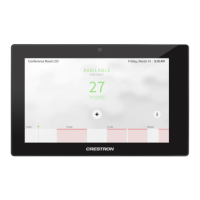
Crestron TSW-552/752/1052 5”/7”/10.1” Touch Screens
Configuration Guide – DOC. 7578A 5”/7”/10.1” Touch Screens: TSW-552/752/1052
5
IP Table Setup
On the “TSW-x52 Setup” menu, touch IP Table Setup to display the “Ethernet
Setup – IP Table” menu.
“Ethernet Setup –IP Table” Menu
The “Ethernet Setup – IP Table” menu displays up to four IP table settings, each of
which has an Online indicator. To add or edit an entry, touch the Add/Edit button to
its left. The “Ethernet Setup – Edit IP Table Entry” screen is displayed.
“Ethernet Setup –Edit IP Table Entry” Screen


 To Next Page