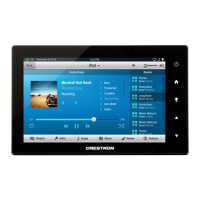
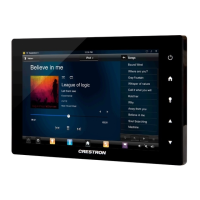
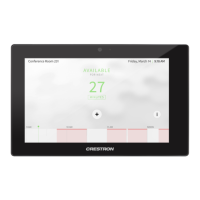
Crestron TSW-552/752/1052 5”/7”/10.1” Touch Screens
Configuration Guide – DOC. 7578A 5”/7”/10.1” Touch Screens: TSW-552/752/1052
1
5”/7”/10.1” Touch Screens:
TSW-552/752/1052
Access the Setup Screens
The “TSW-x52 Setup” menu is the starting point for configuring the TSW-552,
TSW-752, and TSW-1052 touch screens from Crestron
®
.
NOTE: If no project has been loaded or if an invalid project has been loaded, the
screen displays a message saying “There is no display project to start…[Touch
screen to enter setup.]”.
The setup screens enable basic configuration procedures prior to regular operation of
the touch screen.
During regular operation of the touch screen, there are two ways to activate the setup
functions:
1. Place a button on the project main page and assign the reserved join number
(17242) that activates setup.
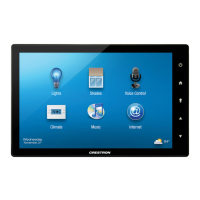
2. Press hard keys 1, 2, 3, and 4, to the right of the touch screen display, in
sequence twice (i.e., press 1, 2, 3, 4, 1, 2, 3, 4) within a five second period.
Button Numbering


 To Next Page