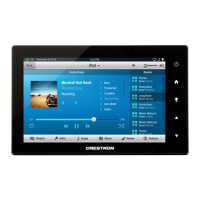
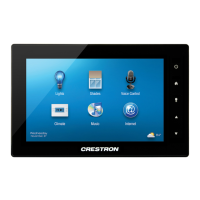
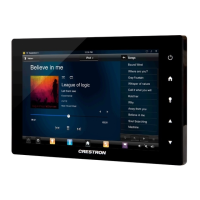
5”/7”10.1” Touch Screens Crestron TSW-552/752/1052
2
5”/7”/10.1” Touch Screens: TSW-552/752/1052 Configuration Guide – DOC. 7578A
The “TSW-x52 Setup” menu is displayed.
NOTE: The touch screen model name is part of the setup menu name. For example,
on the TSW-752, the menu name is “TSW-752 Setup”.
“TSW-752 Setup” Menu
The “TSW-x52 Setup” menu is comprised of buttons for Ethernet Setup, IP Table
Setup, Audio Setup, Display Setup, Standby Timeout and Diagnostics. In
addition, there is a button to toggle system messages on or off, an About button that
provides information about the touch screen and a Save & Exit button. The
functions of each are detailed in the next section of this guide.


 To Next Page