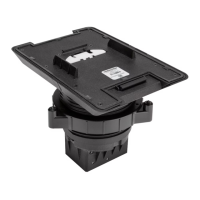
NOTE:If the front faceplate needs to be removed, insert the tip
of a flathead screwdriver (or similar tool)into the machined
notches on the bottom of the faceplate, and then carefully push
against the faceplate to pop it off. Refer to the following image
for the location of the notches.
4. Attach the angled bracket to the front faceplate using the four
provided 6-32x1/2in.screws.
3
TSW-770/1070-MSMK-ANG
QuickStart
Multisurface Mount Kit for TSW-770 and TSW-1070 Series, Angled



 To Next Page
 Loading...