Installation of Carousel Drawer Removal and Replacement of ProStock Drawers
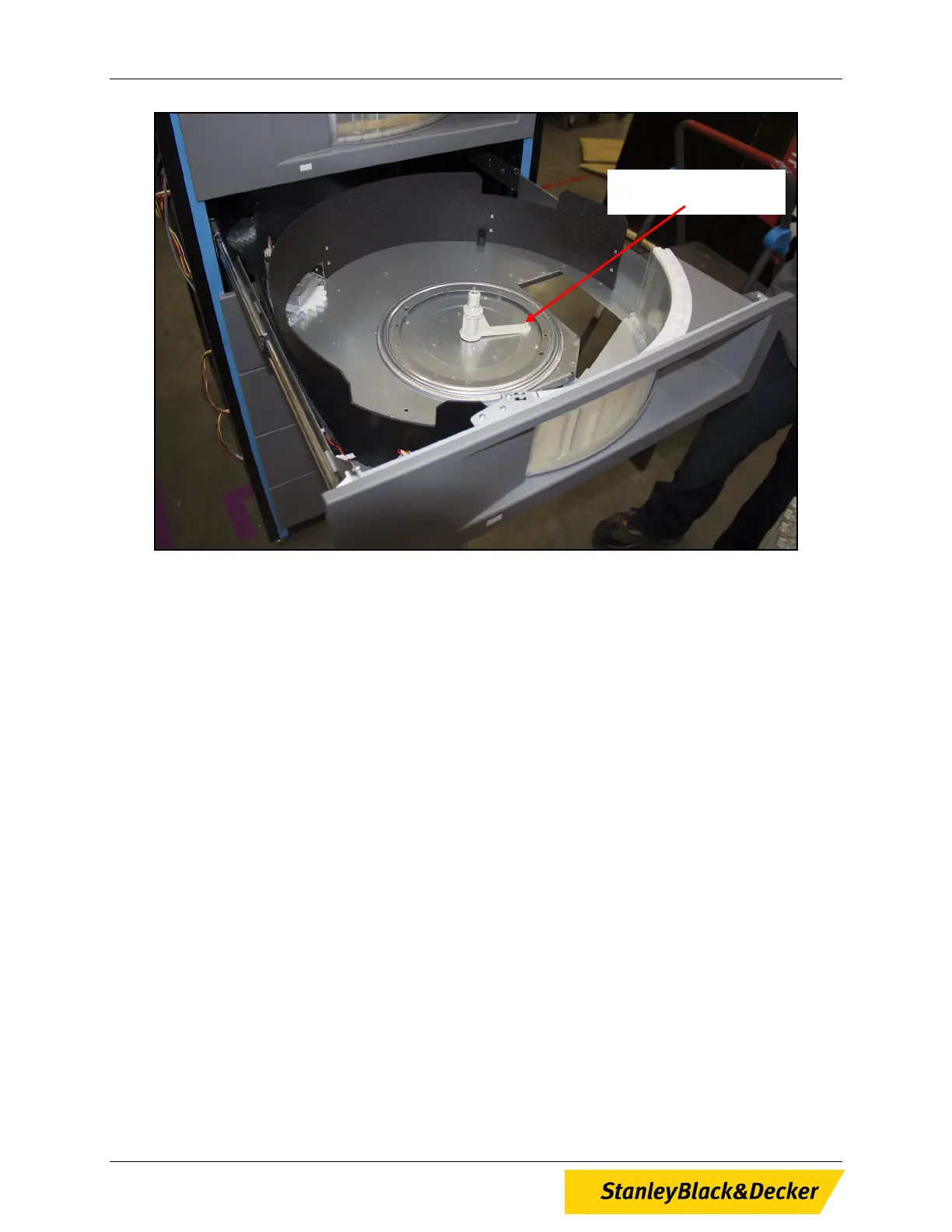
Figure 6, Carousel Spindle Guide
6. Attach carousel to drawer using the locking hub nut (see Figure 2).
Note: Do not over tighten locking hub nut. Hand tighten only.
7. Plug in the drawer’s power/data cable to the appropriate plug located inside the cabinet of the
ProStock machine on the left side (see Figure 1).
8. Slide drawer back into ProStock machine and reconnect power.
Carousel Spindle Guide
10 of 13


 To Next Page