Removal of Carousel Drawer Removal and Replacement of ProStock Drawers
2. Removal of Carousel Drawer
Caution: Removal and installation of Carousel and Locker Drawers requires two people. Failure
to use two people for installation or removal can result in injury to personnel and/or
damage to the ProStock machine.
1. Turn off and disconnect power to the ProStock machine.
2. Unlock the drawers by unlocking the two barrel locks located at the top of the ProStock machine.
3. Slide out the drawer to be removed.
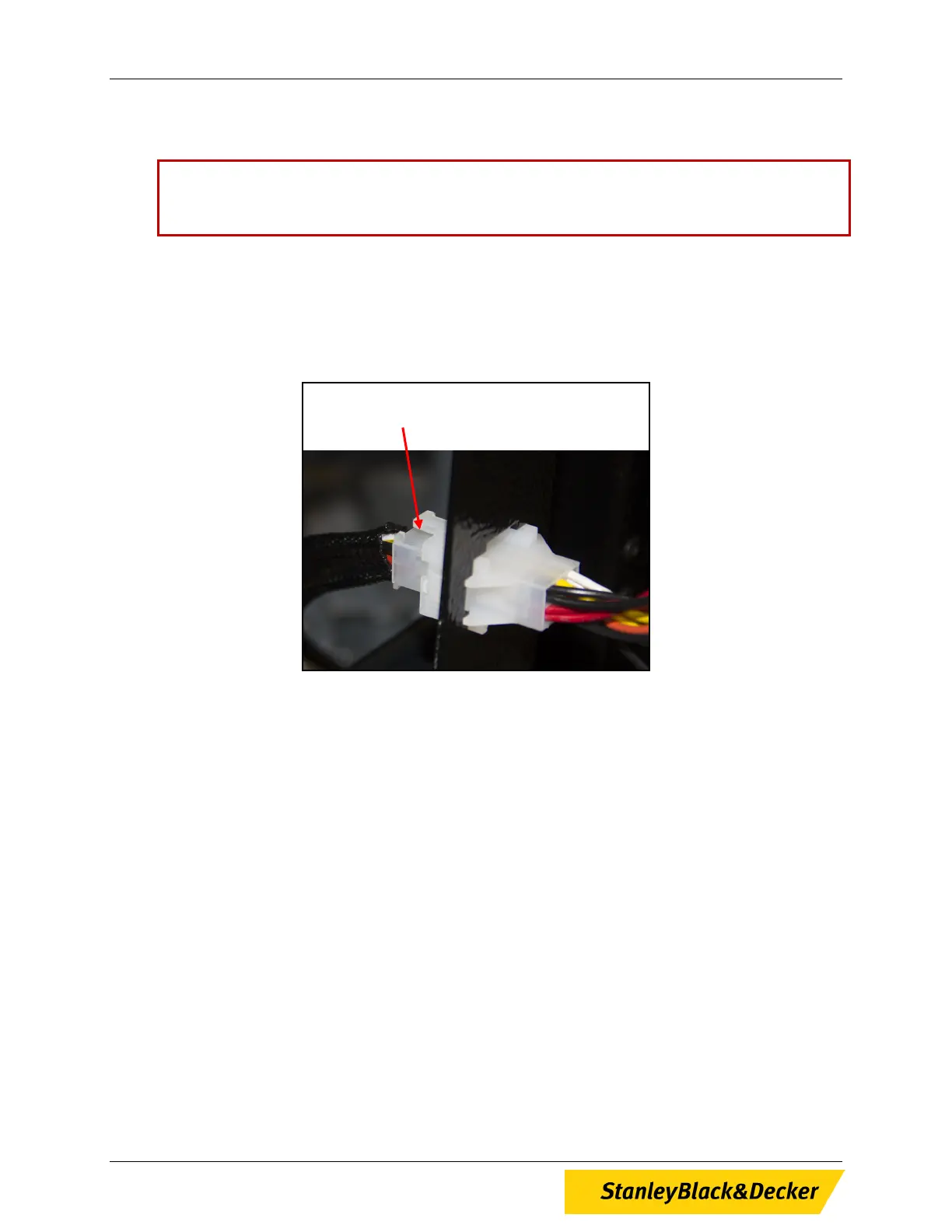
4. Reaching behind the left side of the drawer, unplug the drawer’s power/ data cable from the ProStock
machine (see Figure 1).
Figure 1, Drawer Plug Inside ProStock Cabinet
5. Remove the carousel from the drawer by unscrewing the locking hub nut in the center of the drawer
then lifting the carousel from the drawer (see Figure 2).
Carousel / Locker Drawer
Plug; Located Inside Cabinet
6 of 13


 To Next Page