Status bar and Notification panel
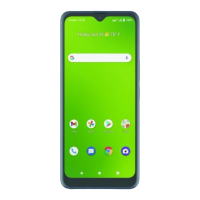
Quickly view your phone’s status and notifications at the top of the screen.
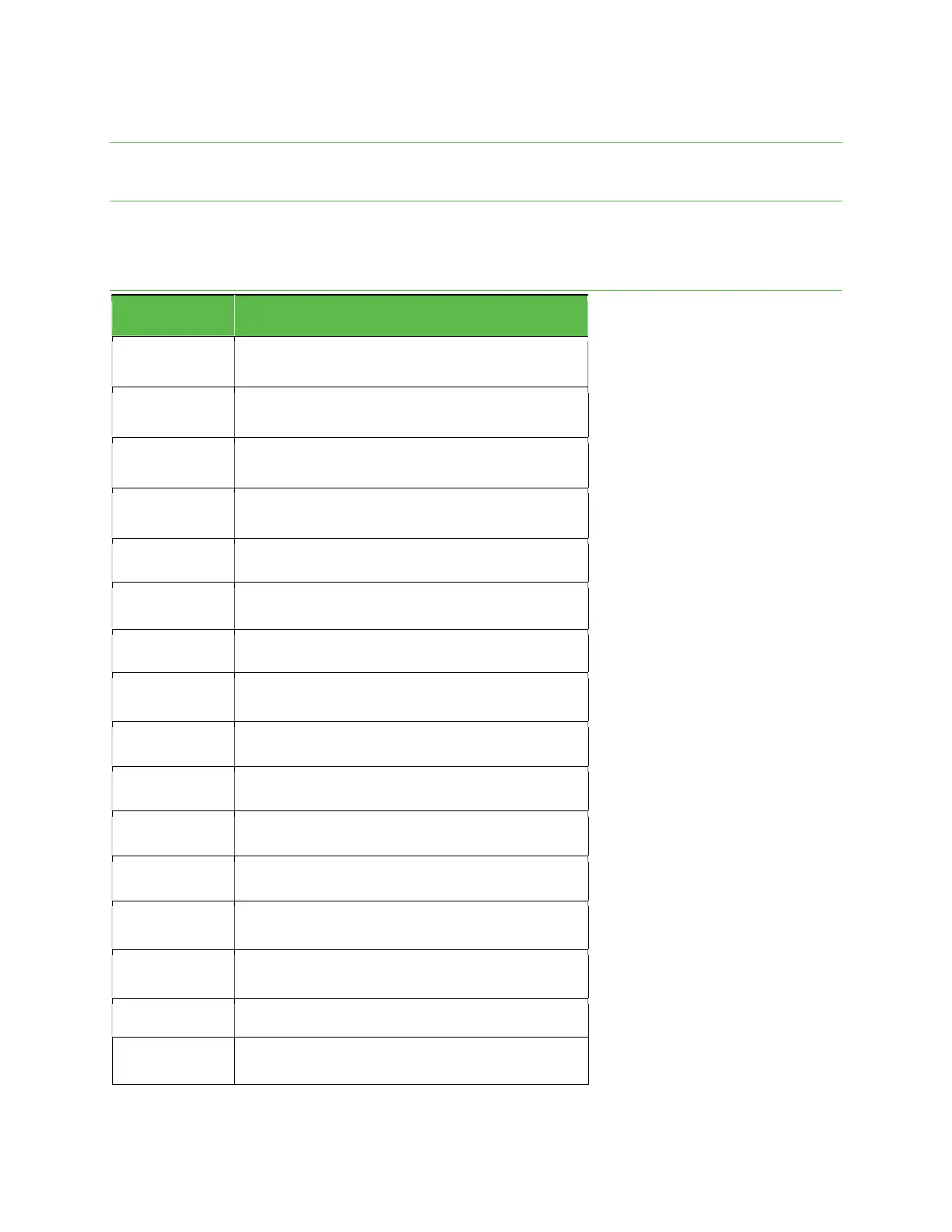
Status bar
The Status bar at the top of the Home screen provides phone and service status information on the right side and
notification alerts on the left. To view the Notification panel or access the Quick Settings menu, drag the Status bar down
from the top of the screen.
Main status icons (Right side)
Icon
Status
3G data service
4G LTE data service
5G data service
Airplane mode enabled
Battery (charging)
Battery (full charge)
Bluetooth
®
connected
GPS in use
Headphones
Hotspot
Mute on
Network (full signal)
Network (roaming)
No Network
Speakerphone enabled
Vibrate on


 To Next Page