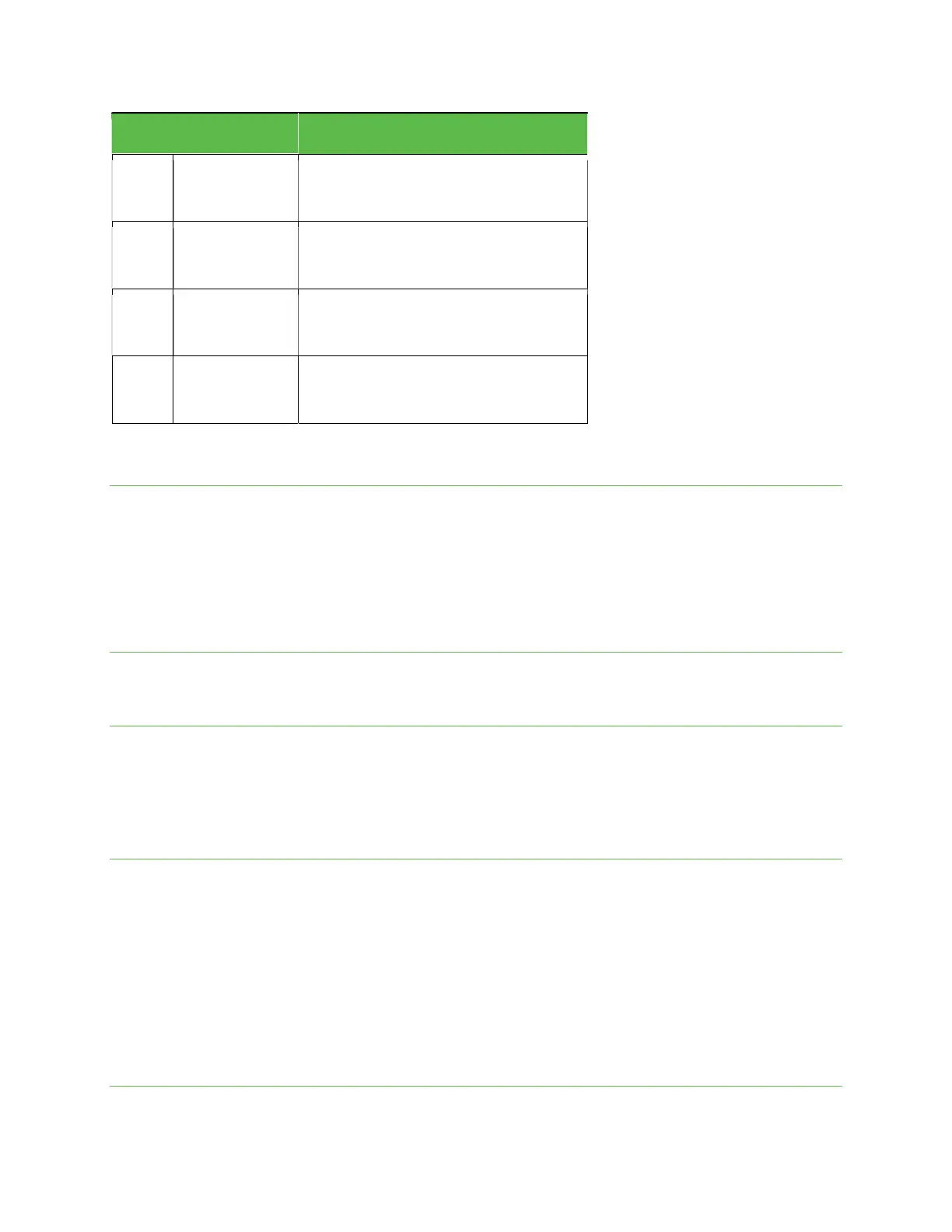
App
Function/Service
Play Store
Download new Android apps, books, movies,
and music to your phone.
Settings
Adjust options, personalize your phone, view
device information, and more.
YouTube
Watch videos or upload your own with the
world’s largest video-sharing site.
YT Music
Stream and browse playlists, albums, and
artists from YouTube Music.
Phone number
Follow the instructions below to view your phone number.
From the Home screen, swipe up to access Apps and tap Settings.
Tap About phone.
You will see the phone number listed under Phone number.
Airplane mode
Airplane mode turns off all functions that emit or receive signals while leaving your phone on so you can use apps that
don’t require a signal or data.
To turn on Airplane mode
From the Home screen, swipe up to access Apps and tap Settings.
Tap Network & internet > Airplane mode.
Slide the switch to the On position to activate Airplane mode.
You will see the Airplane mode icon in the Status bar.
To turn off Airplane mode
From the Home screen, swipe up to access Apps and tap Settings.
Tap Network & internet > Airplane mode.
Slide the switch to the Off position to deactivate Airplane mode.
Your phone’s wireless connection features will be restored.
Tip: You can also access Airplane mode through the Quick Settings menu. Swipe the Status bar down twice to access the
Quick Settings menu and tap Airplane mode to enable or disable data transmissions.
Note: If you do not see Airplane mode in the Quick Settings menu, swipe to the right to locate it.
Enter text
You can type on your phone using one of the available touch screen keyboards or Google Voice Typing.


 To Next Page