30 GB/IE/NI
Turn the battery cap clockwise onto the battery
compartment using the coin to close it.
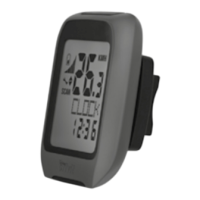
Attaching the bicycle
computer
To attach the product, proceed as depicted in
Fig. B to I.
Trim the protruding ends of the cable ties
2
using a suitable tool such as a side cutter.
Note: Ensure that the bicycle computer
8
is
attached less than 70 cm from the sensor
6
.
Attach the bicycle computer
8
to the sensor
6
within a 30 ° angle, see Fig. B.
Initial use
Changing basic settings
Basic settings: Language > Application profile
> Tyre size > Unit of length > Age > Unit of weight
> Weight > Time format > Time > Date format >
Date > CO2 emission rate > Maintenance interval
>Back light ON / OFF > ETA distance > ETA mode
> Fuel format > Fuel cons > Unit of temperature



 To Next Page