42 GB/IE/NI
Removing the bicycle
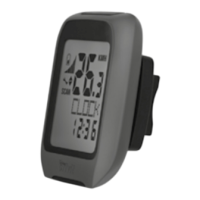
computer from the bicycle
Turn the bicycle computer counter-clockwise
to remove it (Fig. K).
To remove the cable ties
2
using a suitable
tool such as a side cutter.
Troubleshooting
Note: This product contains delicate electronic
components. Therefore, interference may occur
when it is near products which transmit radio
signals.
– If error messages appear in the display, remove
these products from the proximity of the product.
If the device fails to work, remove the batteries
for a short while and then replace them.



 To Next Page