17GB/IE/NI
Button Description
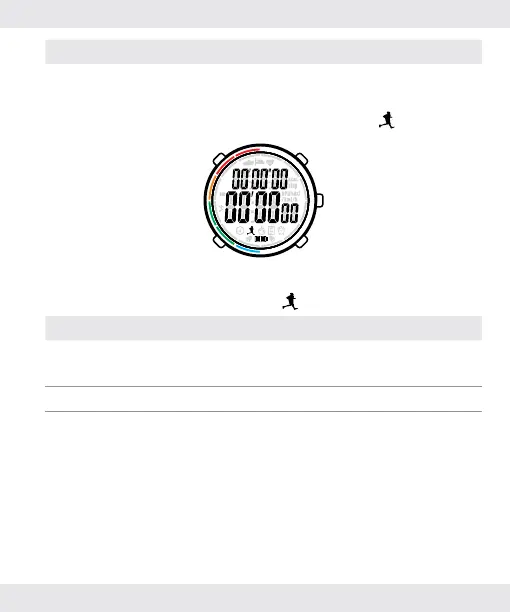
Press [E]
Enter the running mode immediately
(for details please refer to section
“5.2.2. When in running mode
”).
5.2.2.
When in running mode
Button Description
Hold [A]
Set up the user settings (for details please
refer to section “10.2. User settings”).
Press [B] Cycle through different modes.
Press [E]
Start/pause the stopwatch (for details please
refer to section “10.2. User settings”).


 To Next Page