29GB/IE/NI
8.2.
Target steps setting
(For details please refer to section “10.2. User settings”)
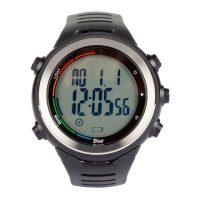
The outer circle of the steps interface displays the progress
of the target of steps of the day. The outer circle has a
total of 12 grids, and each cell represents 8.33 %. If all
12 grids are displayed, the number of steps on the day
exceeds the steps target.
Every day at midnight, the pedometer resets
automatically.


 To Next Page