48 GB/IE/NI
13.
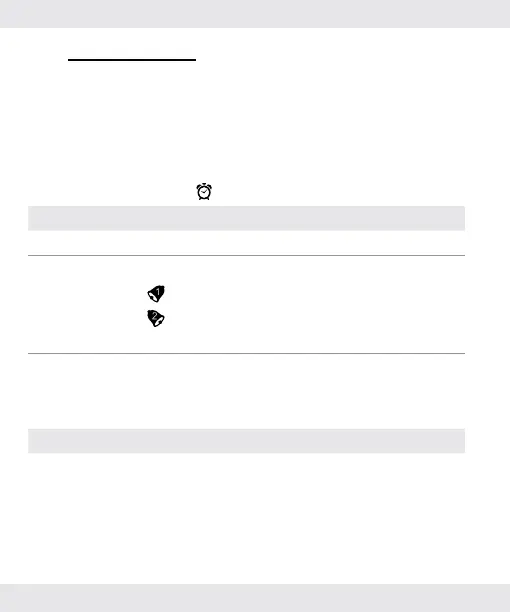
Alarm mode
The product has 2 alarms. Set the alarm time and turn it on. The
product will alarm for 20 seconds. Press any button to stop the
buzzer.
13.1.
Switch ON / OFF the alarm
13.1.1.
In alarm mode
Button Description
Press [D] Select Alarm-1, Alarm-2 or hourly Chime.
Press [C] Turn Alarm-1, Alarm-2, hourly Chime on or off.
= Alarm-1 is on.
= Alarm-2 is on.
No display = Alarms are off.
Press [B] Cycle through different modes
13.2.
Setting the hourly chime
Chime Description
On Every full hour has an acoustic signal (without
display in time mode).


 To Next Page