40 GB/IE/NI
10.4.
Display of heart rate interval
10.4.1.
In running mode
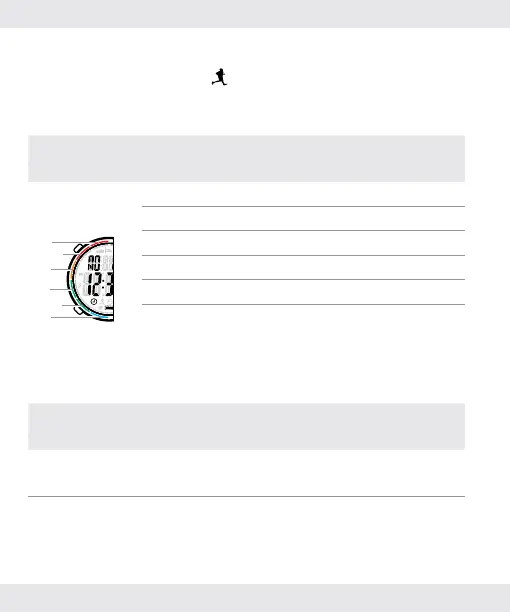
After turning on the stopwatch: The colourful indication on the
lens indicate the heart rate interval (training intensity):
Button/Colour indication on lens
Heart rate interval
(training intensity)
Press
[C] or [D]
A
B
C
D
E
F
A: Red 2 Warning
B: Red 1 Strengthen
C: Orange Cardio
D: Green 2 Fat-burning
E: Green 1 Warm-up
F: Blue Daily
Choose the appropriate exercise intensity accordingly.
If the heart rate tone is turned on:
Heart rate above/below the
set range
Beep
Current heart rate is below the set
range. 1 beep
Current heart rate is above the set
range. 2 beeps


 To Next Page