33GB/IE/NI
10.1.2.
In stopwatch mode
Button Description
Press [E] Start, pause and resume the stopwatch.
Hold [D] After pressing [E]:
Press and hold [D]: Save the data and return
to time mode.
Check the saved data: for details please refer
to section “11.2. Run data mode”.
Hold [A] After pressing [E]: Press and hold [A]: Clear
the data and return to time mode.
10.1.3.
Lap stopwatch
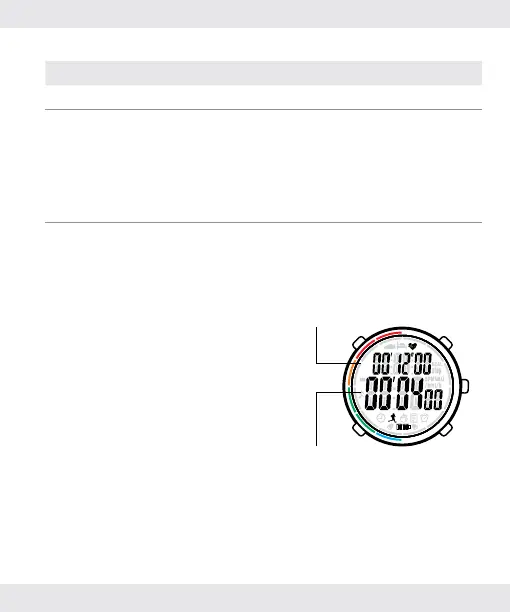
While running or racing on the
track, use the lap stopwatch to
measure each lap’s duration.
Total time
Current lap time


 To Next Page