K SIZE:144X210MM
TV-3589 Eng IB 0211-12481-20
18
3589
Picture
Press the “
MENU
” button then
press the “ ” button
to highlight the Picture and press “ ”
access to the menu.
Press the “ “button to select one off the following
settings, then press the “ “ button to change the
setting.
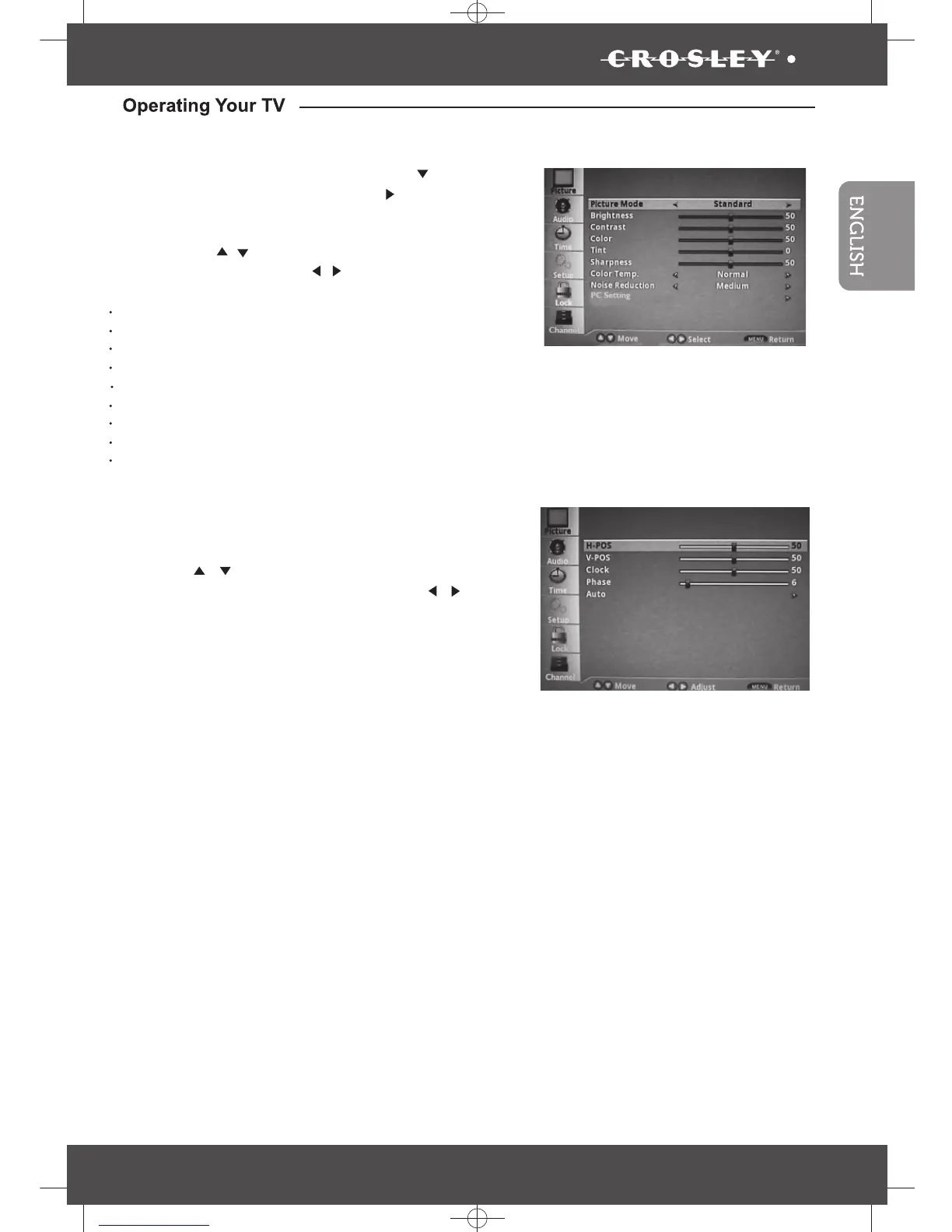
Picture Mode: Standard, Mild, Dynamic or User
Brightness
Contrast
Color
Tint
Sharpness
Color Temp.: Normal, Warm or Cool
Noise Reduction: Low, Medium, High or Off
PC setting (for pc only)
button to
/
/
•
•
PC Settings
When PC Settings ehtsserp,dethgilhgihsi
“ENTER” button to enter to the sub-menu, then
press the “
/
” button to highlight desired item
which you want to adjust, then press the “
/
”
button to change the parameter of selected item.
Auto -(Press to activate the auto
adjust feature for PC mode).
• H-pos
• V- Pos
• Clock
• Phase
•


 To Next Page