3589
K SIZE:144X210MM
TV-3589 Eng IB 0211-12481-20
23
Operating Your TV
Changing channels
• Press the “CH ”or“CH rehgihotegnahcotlortnocetomerehtnorotinuehtnonottub”
or lower channels or press the numeric button to key in the channel number directly.
Use the numeric button to select the main channel and sub-channel(Digital channels):
dnaniamehttcelesot,slennahc-buseromroenoevahnacl
ennahcniama,edomVTlatigidnI
sub-channel by following below procedures:
•
•
Press the numeric buttons(
Press the “MENU
” button then press the “ ” button to highlight
Channel and press the “ ” button to access to the menu.
0-9) on the remote control, and input the desired main channel, and
press the “
” button to input to the sub-channel number.
For example:
If you want to watch channel 5.2, press “5” then “
” then the “2” buttons.
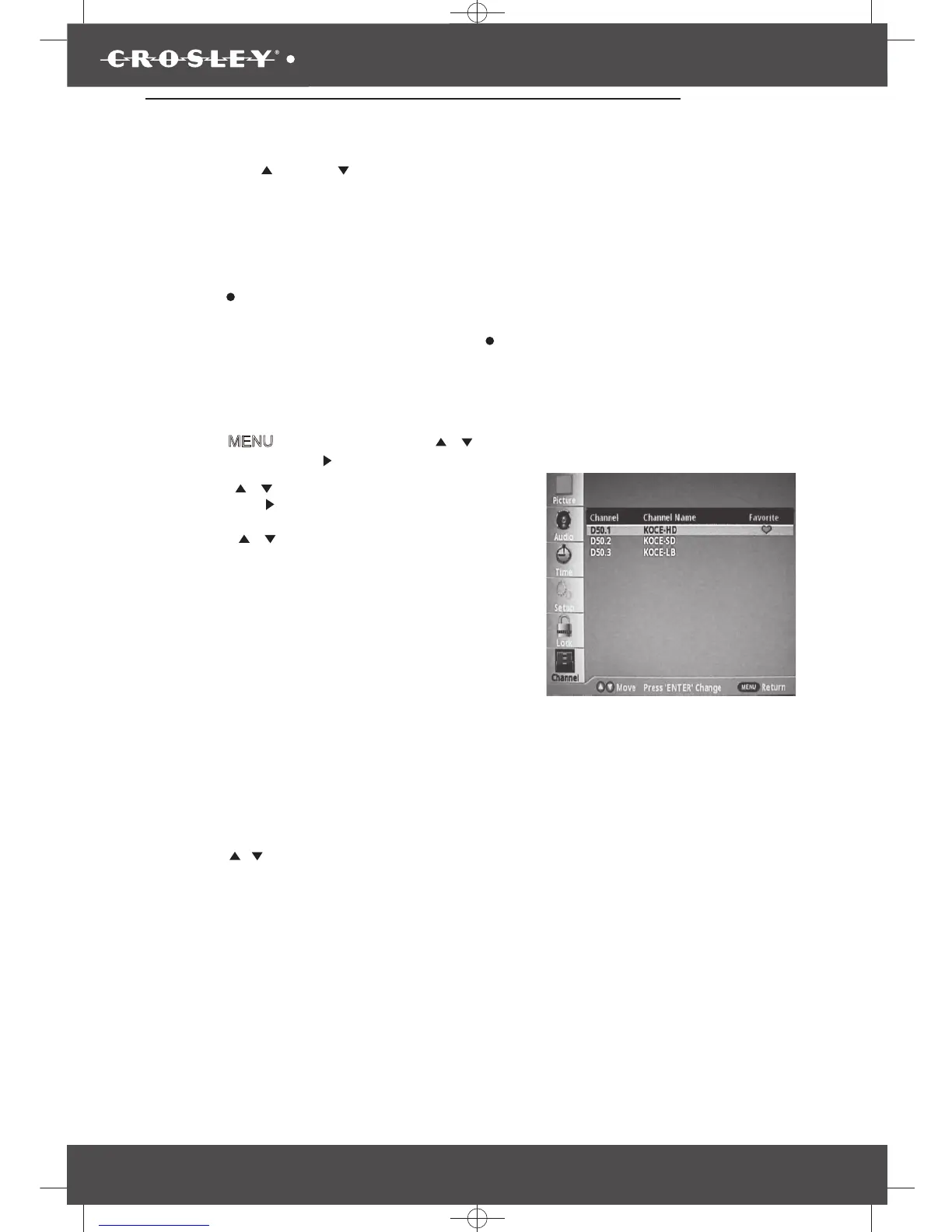
Add or delete channels to the favorite list:
• Press the “ ”button to highlight Favorite
then press the “ ”button to enter to the sub-menu.
• Press the “
/
/
/
” button to select a channel
which you want to add or delete to the favorite
channel list.
• Press the “ENTER lliwkramkcehceht,nottub”
appear to the channel, and the channel is
marked as a favorite.
• Repeat the same procedure for other channels.
•
•
•
Press the “MENU” button to exit.
Use the favorite channel list
Press the “FAVORITE” button on the remote
control and the favorite list will appear on the
screen.
Press the “
/
” button to highlight the desired
channel that you want to watch, then press
the “ENTER” button to call out this channel.


 To Next Page