English
4
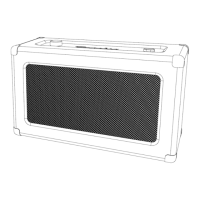
Product Description
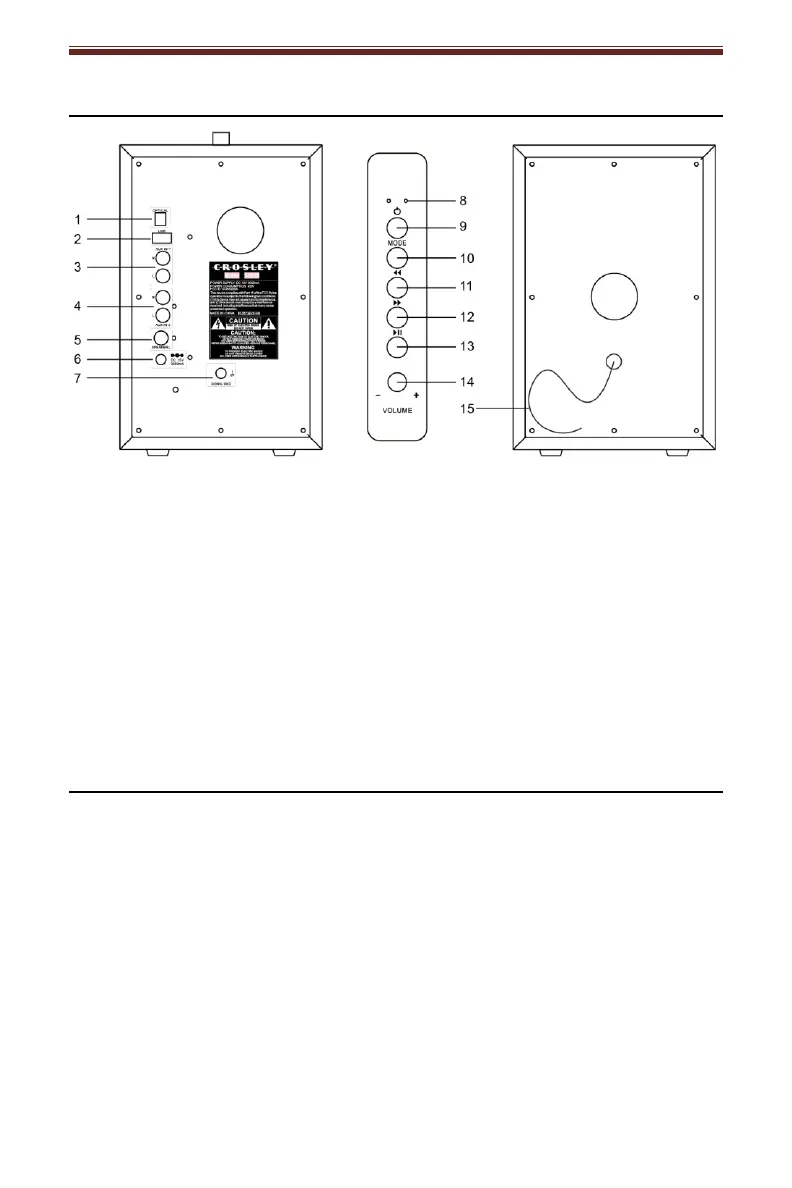
1. Optical Jack
2. USB Port
3. AUX IN 1
4. AUX IN 2
5. Passive Speaker Input
6. Power Jack
7. Signal Ground
8. Function Indicator
9. Power button
10. Mode Button
11. Backward Skip Button
12. Forward Skip Button
13. Play/Pause Button
14. Volume Knob
15. External Speaker Cable
General Operation
Essential Setup
1. Place the speakers on a flat and level surface. The selected location should
be stable and free from vibration.
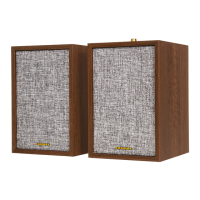
2. Connect the External Speaker Cable from the passive speaker to the main
speaker’s Passive Speaker Input.
3. Plug the power cord to the power outlet.
4. Press and hold the Power button on the unit for 2 seconds to the turn on and
off.


 To Next Page