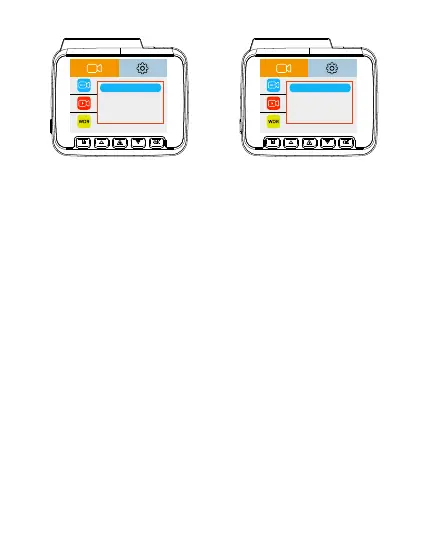
3840x2160P
2560x1440P
1920x1080P
1920x1080P
2160+1080P
1440+1080P
1080P60+1080P
1080+1080P
Default resolution will be 2K and can be changed from video settings: resolution settings
Loop recording Setting --default 1min
Off/ 1mins/ 2mins/ 3mins
select the length (1/2/ 3 min) of each video clip for the loop recording. This function
allows the dashcam to continuously record up to that particular loop length selected.
Off: This dash cam will capture video in segments up to 5 minutes in length.
Exposure Settings- Default Auto
-2.0/ -1.7/-1.3/-1.0/-0.7/-0.3/ 0.0 Auto (Default) /+0.3/+0.7/+1.0/+1.3/+1.7/+2.0
This setting allows the user to adjust video exposure setting for either brighter or darker
video according as per user preference.
Time Lapse record —Default Off
When turned On: The dashcam can sustain longer operational period while reducing video
file size. Video files will be played at high-speed when playback.
1-img/secord: 1-minute Time lapse video = 30 minutes real time coverage.
Video files will be played at high-speed when playback.
Audio Recording – Default ON
On: video+Audio both will be recorded when recording is ON.
Off: Only video will be recorded when the recording is ON.


 To Next Page