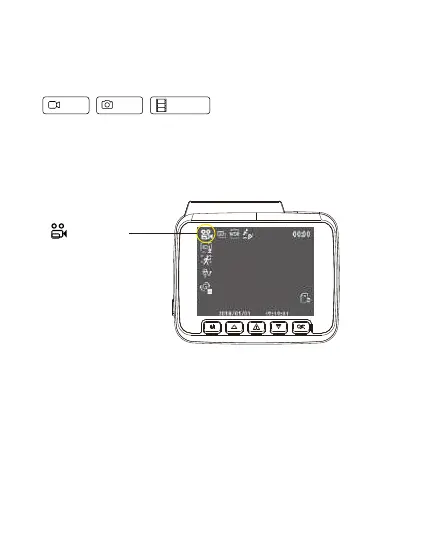
To shift mode Press “OK’ key to stop recording, then press and hold ‘Mode’ for 2 seconds.
Video mode
VideoMode
Different Settings available in the Video mode are Resolution Setting
Allow to choose the desired video resolution and fps (frames per second).
Press the OK button to stop recording and press the mode button to enter into Video settings,
enter into the Resolution setting and change to the desired resolution needed.
• Front 4K Recording + Rear FHD Recording
•Front 2K Recording + Rear FHD Recording
•Front FHD Recording + Rear FHD Recording
Modes and Settings
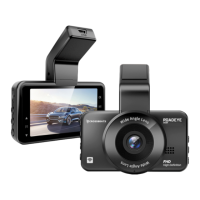
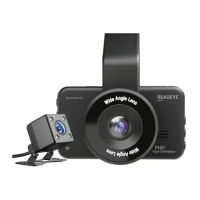
Roadeye DC03 dash cam has three different camera modes:
Video Photo Playback


 To Next Page