Delete
Allows to delete the available recorded videos,
Delete Current/ Delete All, default Delete Current.
Protect
Lock Current/Unlock Current/Lock All/Unlock All
Slide Show
2 Seconds/5 Seconds/8 Seconds
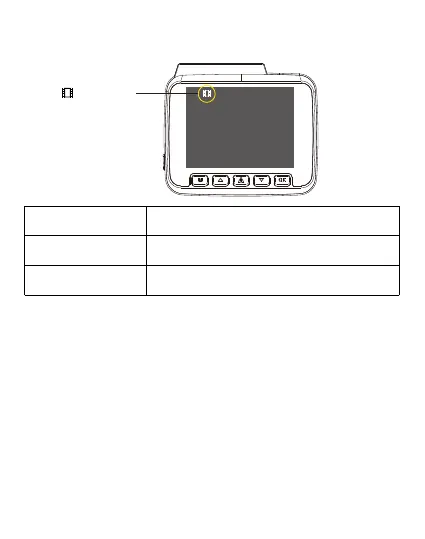
PlaybackMode
SYSTEM SETTINGS
WiFi —Default Off
This option allows the user to Modify the System settings of the dash camera available with the
System settings tab
To shift to the system settings Press “OK’ key to stop recording, then press ‘Mode’ for 2 times to
enter in to system settings
On: The screen will display the name: Roadeye DC03_********** and its default password: 12345678.
Please keep your phone close to the dashcam (within 3m) when using Wi-Fi, you can control the
dashcam and check the real-time video by using KACAM APP on your phone. When Wi-Fi is enabled
the dashcam won’t respond to your operation by pressing the buttons, to exit the Wi-Fi Mode, please
press and hold the middle Emergency button.
Different System settings options available under the System settings option are:
Playback Mode



 To Next Page