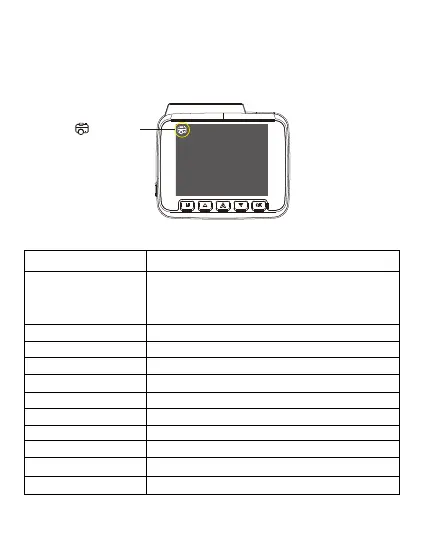
PhotoMode
Different settings options available under the photo mode option are:
Capture Mode Single/2s Timer/5s Timer /10s Timer, default Single
Resolution
Switch to any of the picture resolutions between
(640*480)/ 1.3M 1280*96, 2M HD(1920*1080) , 3M
2048*1536, 5M 2592*1944, 8M 3264*2448
, 10M 3648*2736, 12M 4032*3024
3f/sec Burst Mode On/Off , default Off. If ON camera will take burst photos.
Fine/Normal/CommonlyImage Quality
Strong /Normal/softImage Sharpness
Auto/Daylight/Cloudy/Tungsten/ FluorescentWhite Balance
Colour/Black & White/SepiaPhoto Effect
Auto/100/200/400
ISO
Auto/100/200/400Exposure
On/Off, default ON.Stabilization
Off/2s/5sQuick Review
Off/Date/Date TimeDate&Time Stamp
To shift to photo mode Press “OK’ key to stop recording, then press and hold ‘Mode’ for
2 seconds for 2 times.
Photo Mode


 To Next Page