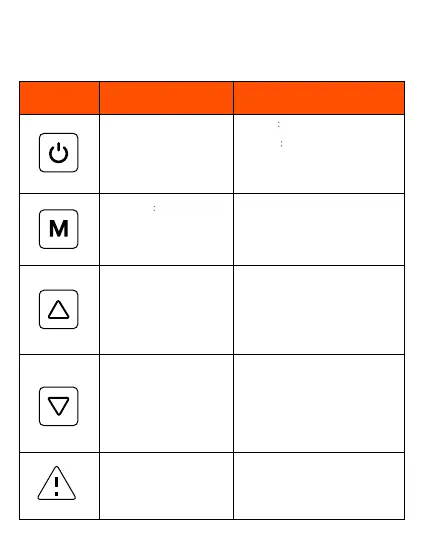
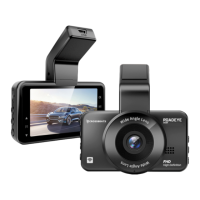
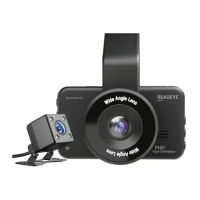
Keys and Functions
1. Turn On the camera
2. Turn Off the camera
3. Take Photo
Long-Press
Photo/Video/Playback Modes
Short Press: System Setting/
previous setting
UP/Mute
Down / LCD Off
1. Emergency Video Lock
2. Wi-Fi On/Off
Key/Port Function Instruction
1. Turn on Short press Power key to turn
ON the camera
2. Turn off
Long press Power to turn off
the camera
3. Take Photo: When the dash cam is
recording, press the button once to
capture a photo.
Long-press “Mode” button to switch
between Photo/ Playback/Video Mode.
Short Press: Enter into System Setting
of particular mode / go back to the
previous setting
1. On System Setting press the up key
once to switch between the available
settings list
2. On Recording Mode long-press the
up key to turn ON/OFF the audio
recording.
3. On Photo Mode press the UP key
once to jump to the last picture
1. On System Setting press the up key
once to switch between the available
settings list
2. On Recording Mode short-press the
Down key to Turn off the LCD screen.
3. On Photo Mode press the Down key
once to jump to the last picture next
picture
1. On Recording Mode, short press to
lock the current video.
2. Long press to turn ON/Off the Wi-Fi



 To Next Page